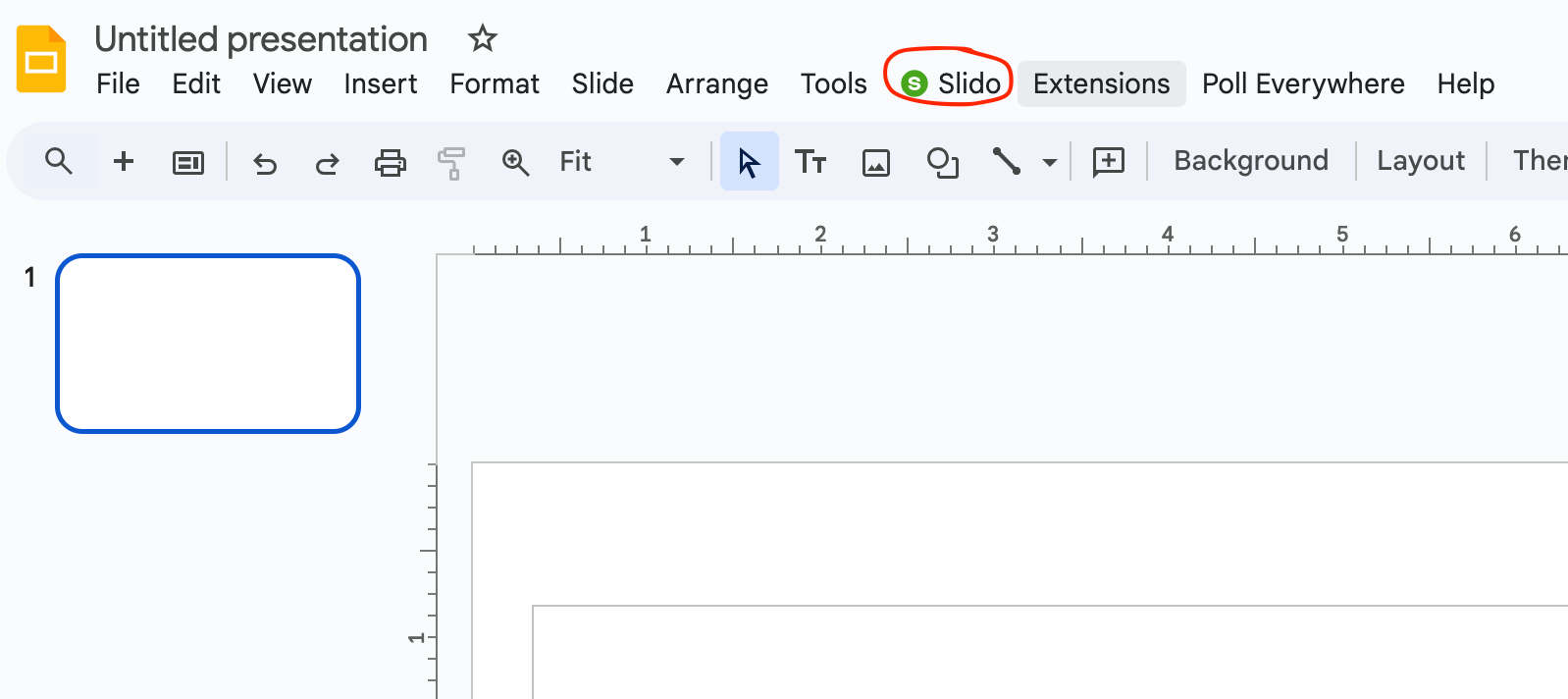
Hi @mzjean, if this is a Google Slides presentation that you’ve previously linked a slido to, it is currently not possible to unlink a slido from that specific presentation.
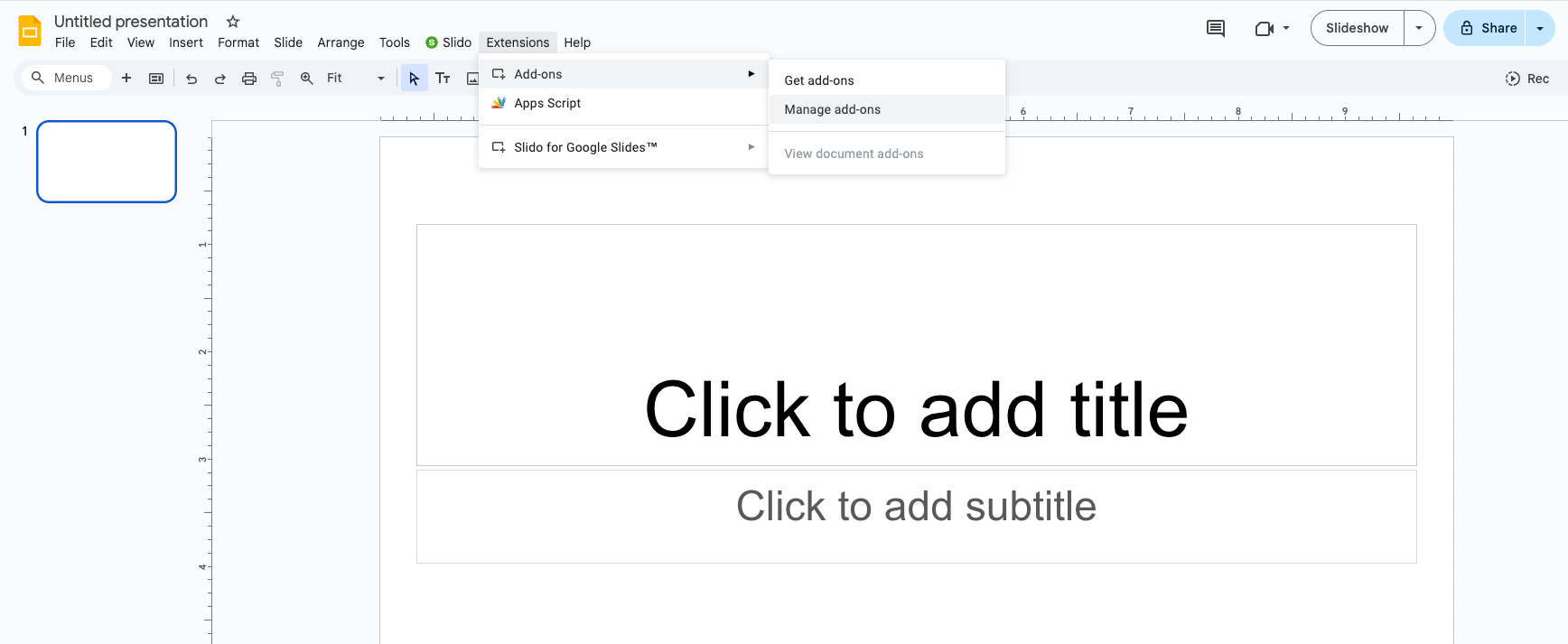
If you are setting up a brand new presentation and still seeing the Slido button, I would recommend selecting Extensions > Add-ons > Manage add-ons. Then click Options > Uninstall. And click Uninstall App.
If you’re still having trouble, please contact our support team directly to troubleshoot. They may need more screenshots of your Add-Ons page and your view of the presentation in Google Slides.