
When using Slido for Q & A in the updated Suite platform for Webex Webinars, we have noticed if the “chat” is enabled for the webinar as soon as the participant goes to the chat, Slido disappears. We have tried closing and re-launching the Slido, but it never comes back for the attendee. Any ideas ??

Solved
Slido disappears for participants if they use Webex chat in a Webinar
Best answer by Kat from Slido
Hi
Thank you for sharing more details. That helps!
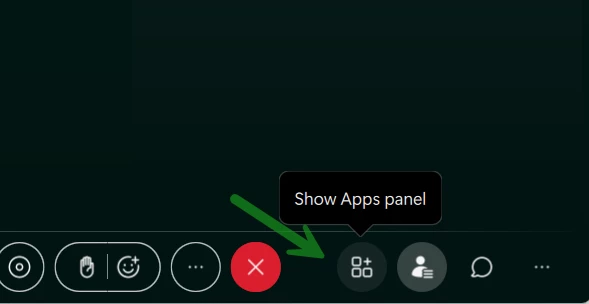
Yes, this is unfortunately a technical bug on Webex side. The Slido button should be in the webinar controls at the bottom for users to open it again. Our Webex engineers already identified it and they are working on the fix.
Thank you so much for your patience and for flagging this. Hopefully, the fix will be released soon.
Kindly,


Log in to Slido Community
No account yet? Create an account
Use your existing Slido credentials
LoginEnter your E-mail address. We'll send you an e-mail with instructions to reset your password.