Question

Slido iframe embed browser history

  • March 27, 2026
  • 5 comments
  • 138 views

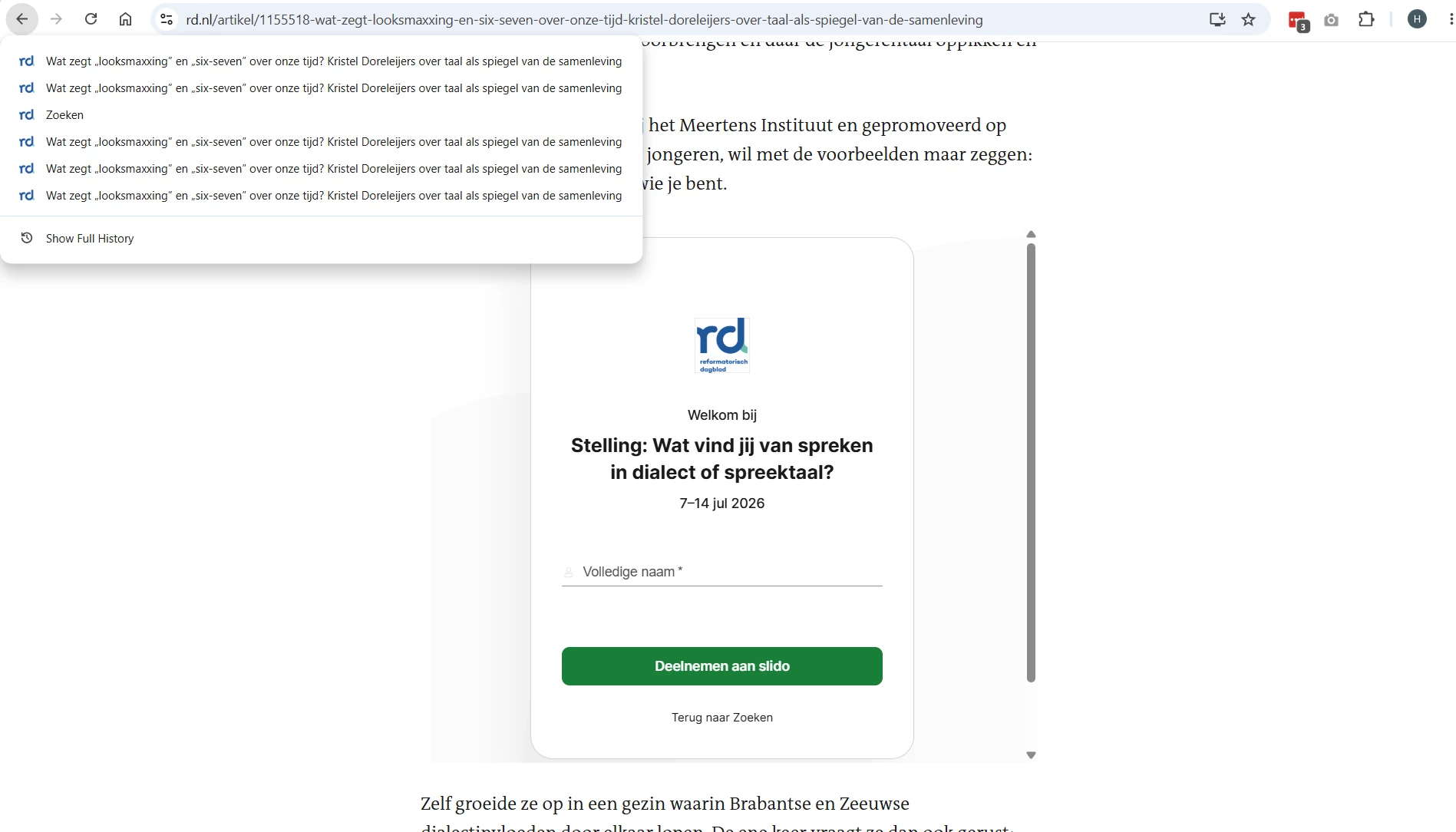
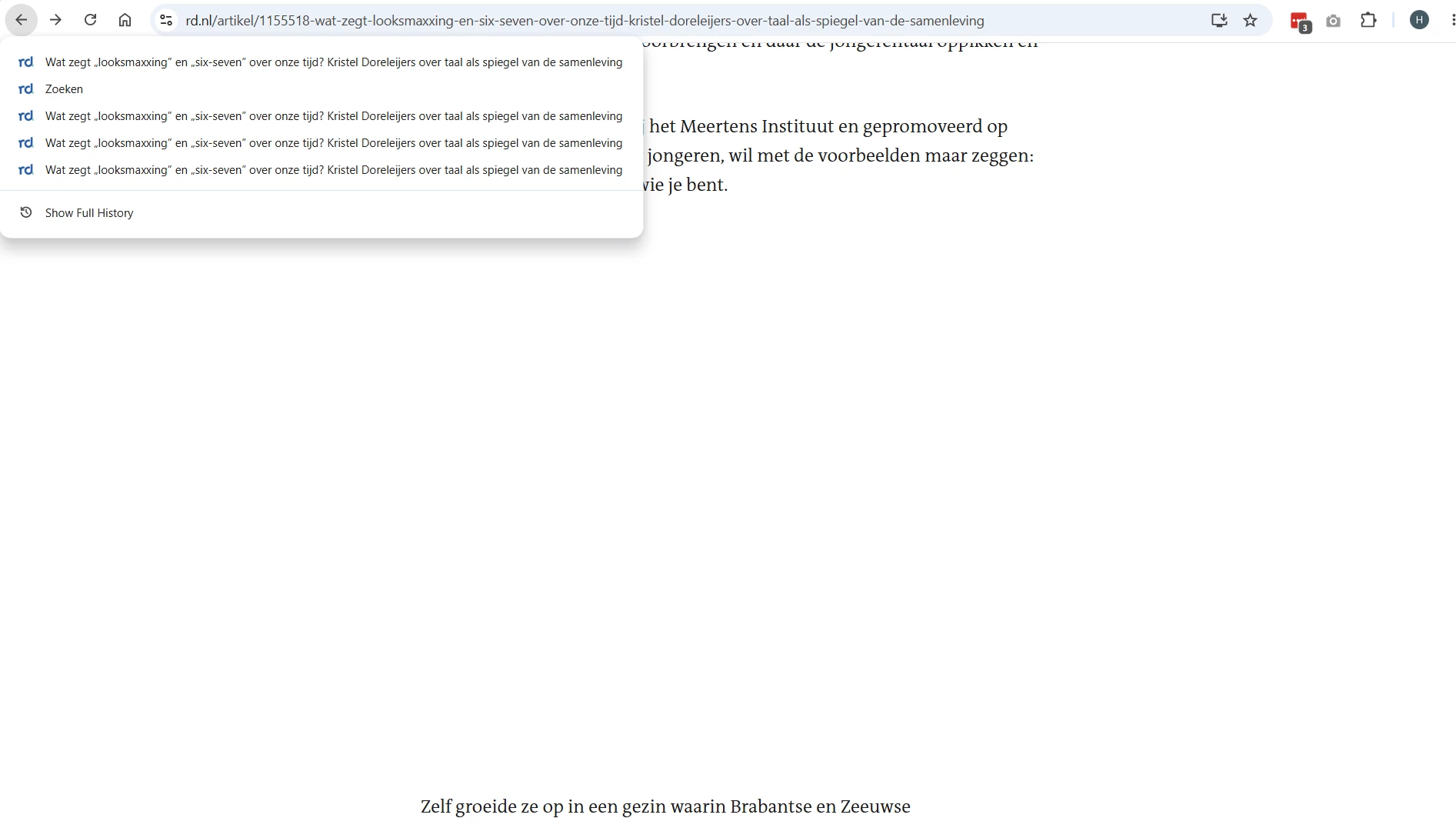
Does anyone else have the issue that the events within the iframe are added to the browser history so that from the user’s perspective, the back button feels broken or stuck?

5 replies

Forum|alt.badge.img

Hi ​@ESR!

What button are you referring to?  Could you share a screenshot?


  • Participant
  • July 14, 2026

Does anyone else have the issue that the events within the iframe are added to the browser history so that from the user’s perspective, the back button feels broken or stuck?

Yes, we have the same issue. 

@Christyn from Slido The browser's back button no longer works because it takes you back within the Slido iframe instead of navigating back through the web pages.


Kat from Slido
Forum|alt.badge.img

Hello ​@EMG 

I’m afraid this is expected behavior. However, I understand completely how confusing this can be for end user. I’m checking this with our devops team and I’ll share any further updates with you once I have them. 

Thank you for your patience and also for flagging this.

Kind regards, 


  • Participant
  • July 30, 2026

We're experiencing the same issue on our website and wanted to add another data point.

I'm surprised to see this marked as Solved, because the current behavior creates a significant usability issue for websites embedding Slido.

From a user's perspective, the browser Back button should always return them to the previous page. When an embedded Slido iframe adds additional entries to the browser history, users must click Back multiple times before they can leave the page. This breaks one of the most fundamental browser navigation behaviors and is inconsistent with how other embedded content behaves.

We've reproduced this on our website and confirmed that the issue only occurs on pages containing an embedded Slido. Right-clicking the browser Back button shows duplicate history entries for the same page, indicating that the embed is modifying the browser history. We also embed content from other third-party providers on our site, and none of those embeds exhibit this behavior.

While I understand there may be technical reasons for the current implementation, describing this as "expected behavior" doesn't address the impact on sites embedding Slido. For organizations that rely on predictable browser navigation and accessibility, this is a poor user experience.

Could the team reconsider marking this as solved and instead track it as a product issue or enhancement? At a minimum, it would be helpful to know whether there are plans to prevent embedded Slido content from creating additional browser history entries or whether there is an alternative embed method that avoids this behavior.

We'd appreciate any update from the engineering team, as this directly affects the usability of pages where Slido is embedded.


Kat from Slido
Forum|alt.badge.img

Hello ​@Julie L 

Thank you so much for taking a time to share such valuable feedback and also your experience. We really appreciate it. 

I completely understand and agree that this is not an ideal process for end users. It has been already forwarded to our DevOps team, they identified the issue and are currently working on the fix. It might take some time but we’ll try our best to solve it soon. 

I’ll update this thread and share any updates once we have the fix released. 

Thank you for your patience and kind understanding. 

All the best,