

Solved

Slido for powerpoint doesnt work after upgrade

  • May 13, 2025
  • 1 reply
  • 132 views

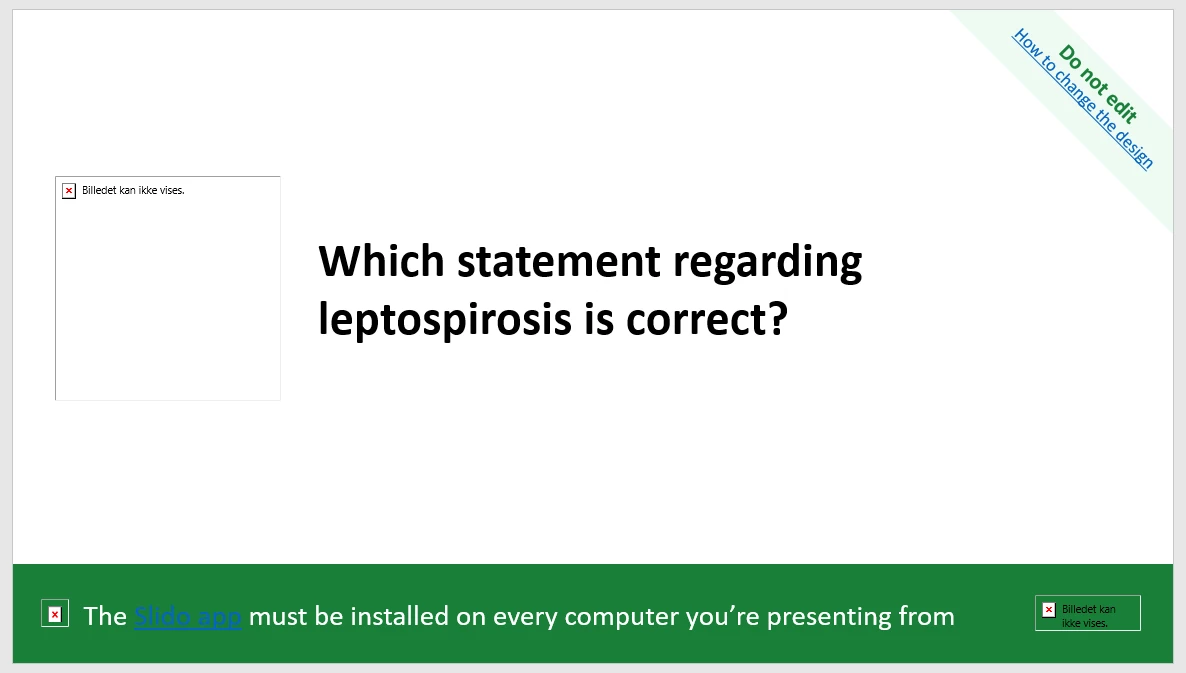
Hi, I’m using Slido during teaching on a tropical medicine course, primarily for multiple choice. It worked great last year, so i just upgraded to Engage. Suddenly I’m having problems, my computer says my power points are “corrupted”, I cant save my presentations anymore and have had to remove all Slidos from my presentations to be able to save them. They also look like in this picture; stating how the app must be installed, but it already is. I have tried to delete and install the “Slidos for powerpoint” again, but the same thing is happening. 

Has anyone got any experience with this? I have a presentation Thursday (in 2 days) and would love to use Slido for it!

Best answer by Mika from Slido

Hello ​@FredrikkeCK

Mikaella here from Slido -  happy to help! 😊

The screenshot is super helpful and thanks for the additional info.

In order for us to troubleshoot this properly, we’d need to review your specific Slido for PowerPoint logs. Could you please follow the steps for capturing them and sending them to our support team? They’re right here: Windows or macOS

Looking forward to your email. 

My best, 

Mikaella from slido customer care


1 reply

Mika from Slido
Forum|alt.badge.img

Hello ​@FredrikkeCK

Mikaella here from Slido -  happy to help! 😊

The screenshot is super helpful and thanks for the additional info.

In order for us to troubleshoot this properly, we’d need to review your specific Slido for PowerPoint logs. Could you please follow the steps for capturing them and sending them to our support team? They’re right here: Windows or macOS

Looking forward to your email. 

My best, 

Mikaella from slido customer care