



If you’re finished with your slido and no longer want to store it or its data, you can easily delete it.
Here’s how to do so:
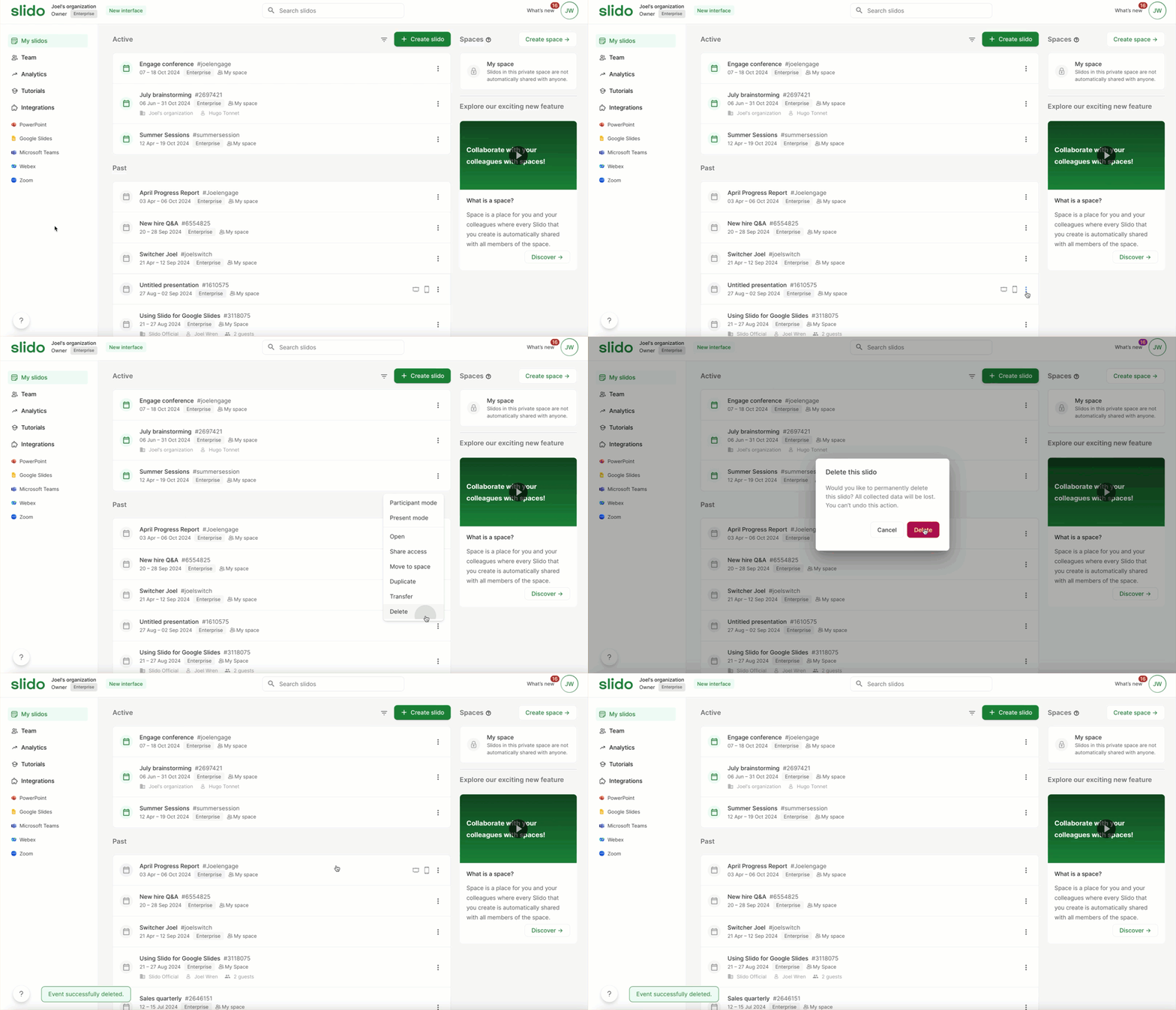
- In your list of slidos, find the one you wish to delete and select its three dot menu
- Choose the Delete option
- Confirm by selecting Delete once more
Pro tip: You can delete multiple slidos at once if needed. Just click the tick box next to the specific slidos and select delete at the top of the list.
Keep in mind that after any slido deletion, your slido is gone from your account and you cannot restore it yourself.
In some cases, our support team are able to restore a deleted Slido - please contact us and share the #slidocode, along with what information you would like to restore.
Curious to learn more?