

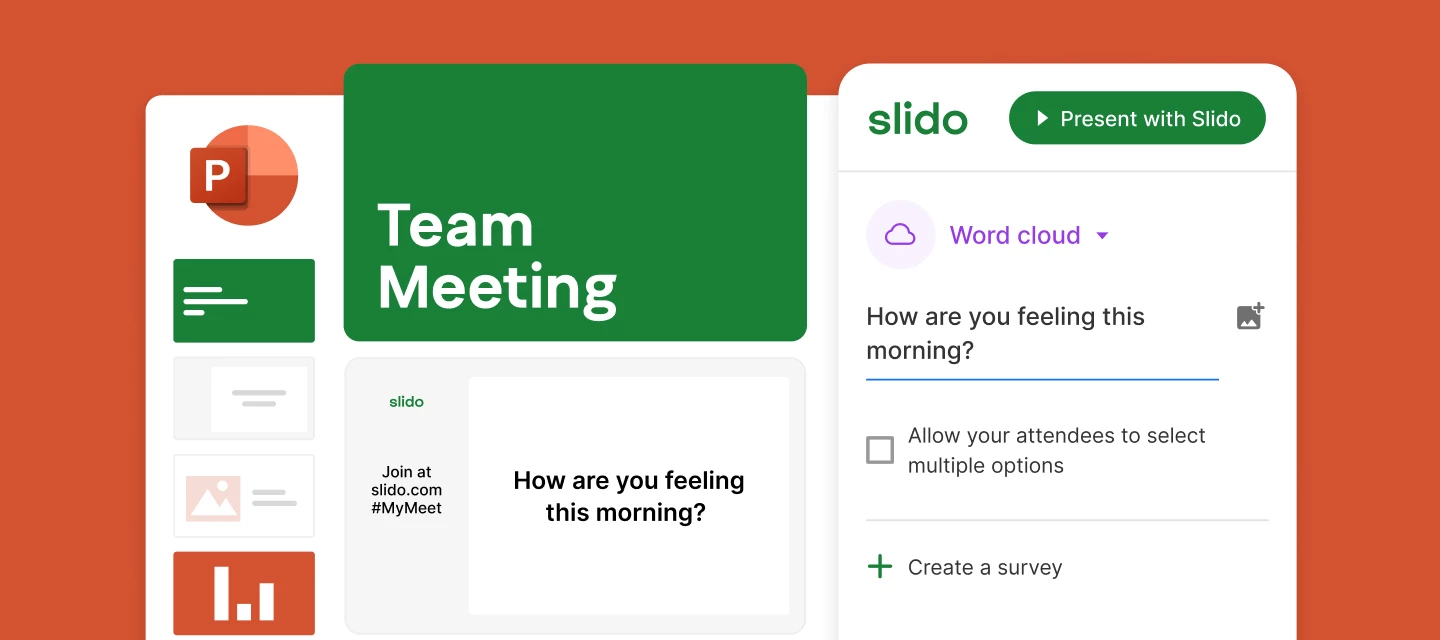

In case you missed the Using Slido for PowerPoint session, you can watch (or even rewatch!) the session here. You’ll also find the slide deck attached below ⬇️
By the end of this recording, you'll know exactly how to set up and use Slido directly within PowerPoint, step by step. We’ll show you how to integrate Slido features seamlessly into your presentations, making your life as a presenter easier and your meetings more engaging.
This session covers everything you need to start using Slido in PowerPoint - from installation to adding polls and Q&A, all within your slides.
Feel free to share this with colleagues who frequently present or want to make their meetings more interactive. This session is designed to help you simplify your workflow and enhance your presentations with Slido.
We also offer other Slido training sessions. Visit our training page to learn about additional topics that may be helpful for you.