

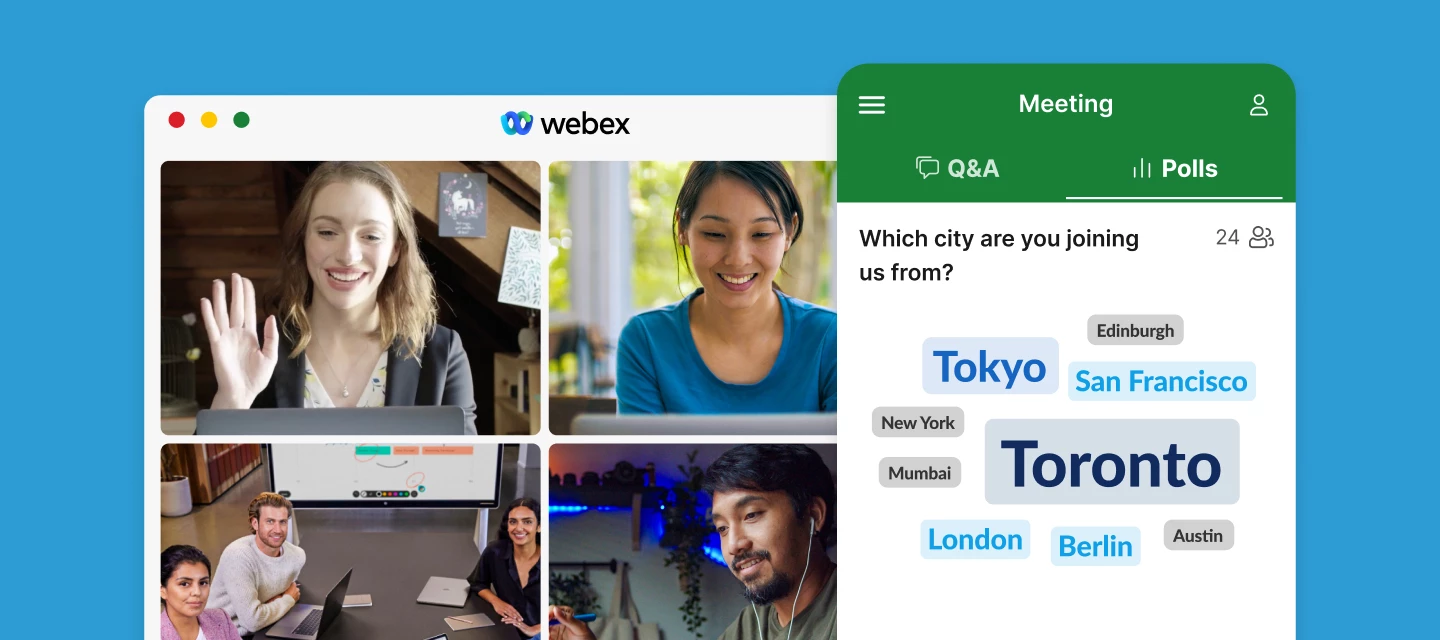

In case you missed the Using Slido for Webex session, you can watch (or even rewatch!) the session here. You’ll also find the slide deck attached below ⬇️
This session walks you through integrating Slido with Webex, showing you exactly how to add interactive polls and Q&A to your video conferences. You'll learn how participants can easily access Slido from their sidebar, making engagement effortless for everyone involved.
We’ll also demonstrate how to collaborate with colleagues and co-hosts in Slido during your Webex meetings - so you can manage sessions together and make the most out of your interactive tools.
Whether you host or join meetings on Webex, this session will help you simplify your workflow and create more engaging, collaborative experiences. Share the recording with anyone who could benefit from using Slido in Webex.
We also offer other Slido training sessions. Visit our training page to learn about additional topics that may be helpful for you.