A new checkout experience is coming for some new US customers
1 month ago
Chapter 2
Getting started 🛠
Everything you need to know from picking the right plan to creating the perfect event setup.
ℹ️ Pricing
Purchase your Slido licence
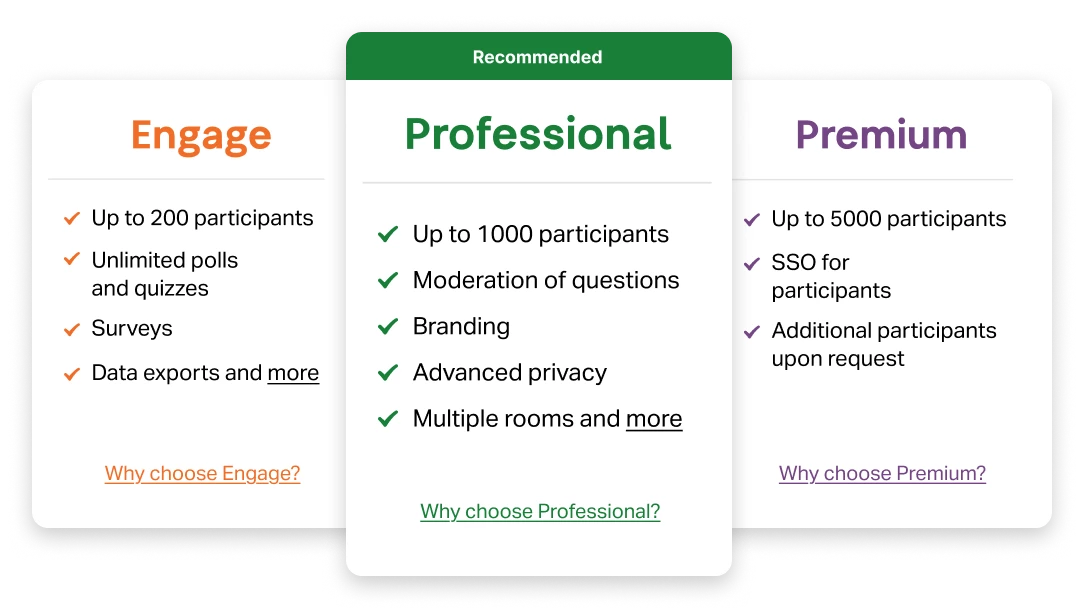
To get started using Slido for your event, you'll need to purchase a license. Head over to the Pricing Page, where you can explore our packages designed to suit different event sizes and needs.
The page includes a detailed feature comparison chart, making it easy to see exactly what’s offered and choose the option that best suits you.
your choice of package might also depend on the setup you need – something we’ll dive into in the next video.
🛠️ Setup
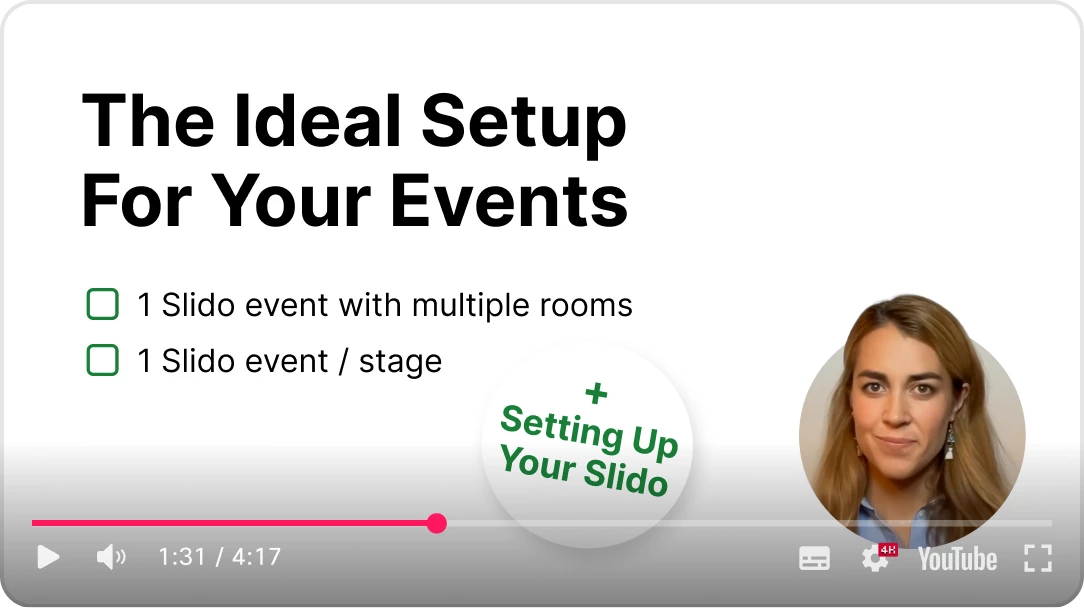
Determine your event's ideal setup
Depending on what sort of event you’re hosting, there’s different ways of leveraging Slido for maximum engagement and interaction. This video walks you through all of the options.
🛠️ Setup
Create a slido for your event
Learn how to
create your slido by giving it a name, setting up its event dates, and more.
💡 Feature highlight
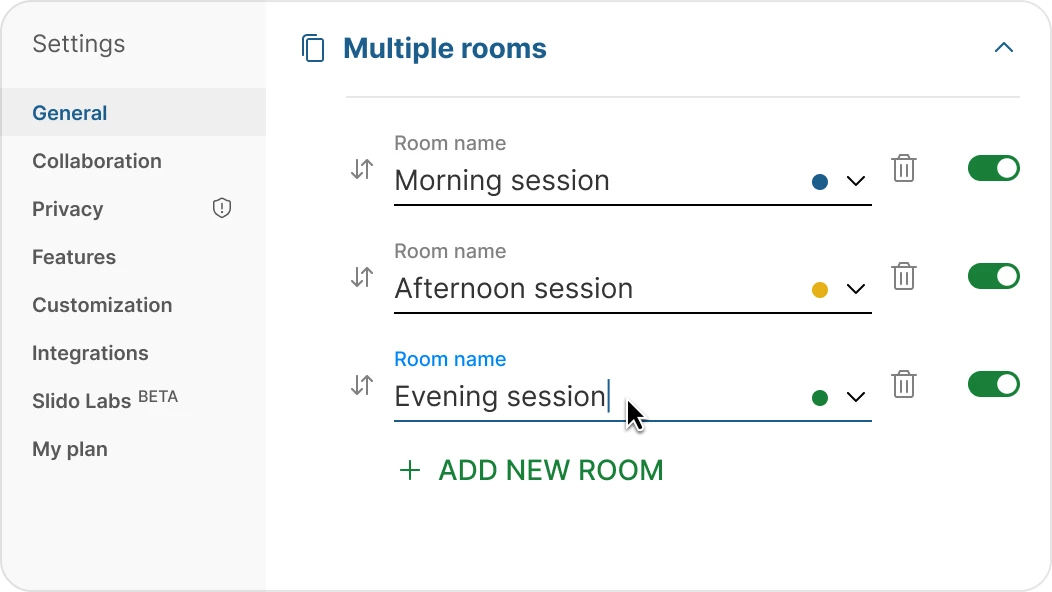
Create multiple rooms
Slido’s Multiple Rooms feature allows you to create separate "rooms" within your slido, each with its own polling and Q&A. This setup is ideal for events with parallel tracks or multiple stages running at the same time.