



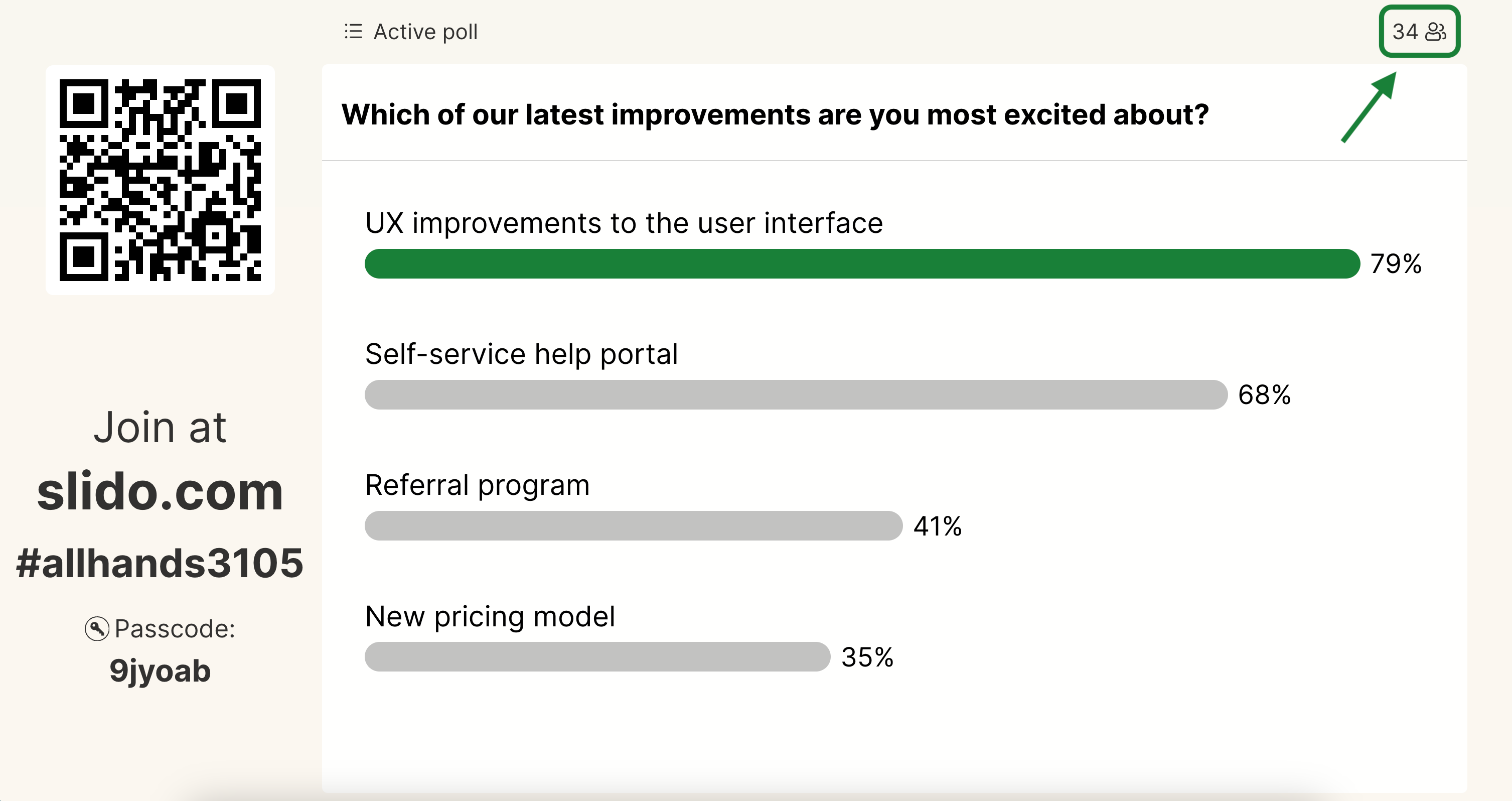
For polls, Slido displays a live vote count in both Participant and Present modes. If needed, this can be hidden so that participants don’t see how many other poll votes there are.
Available in all paid plans.
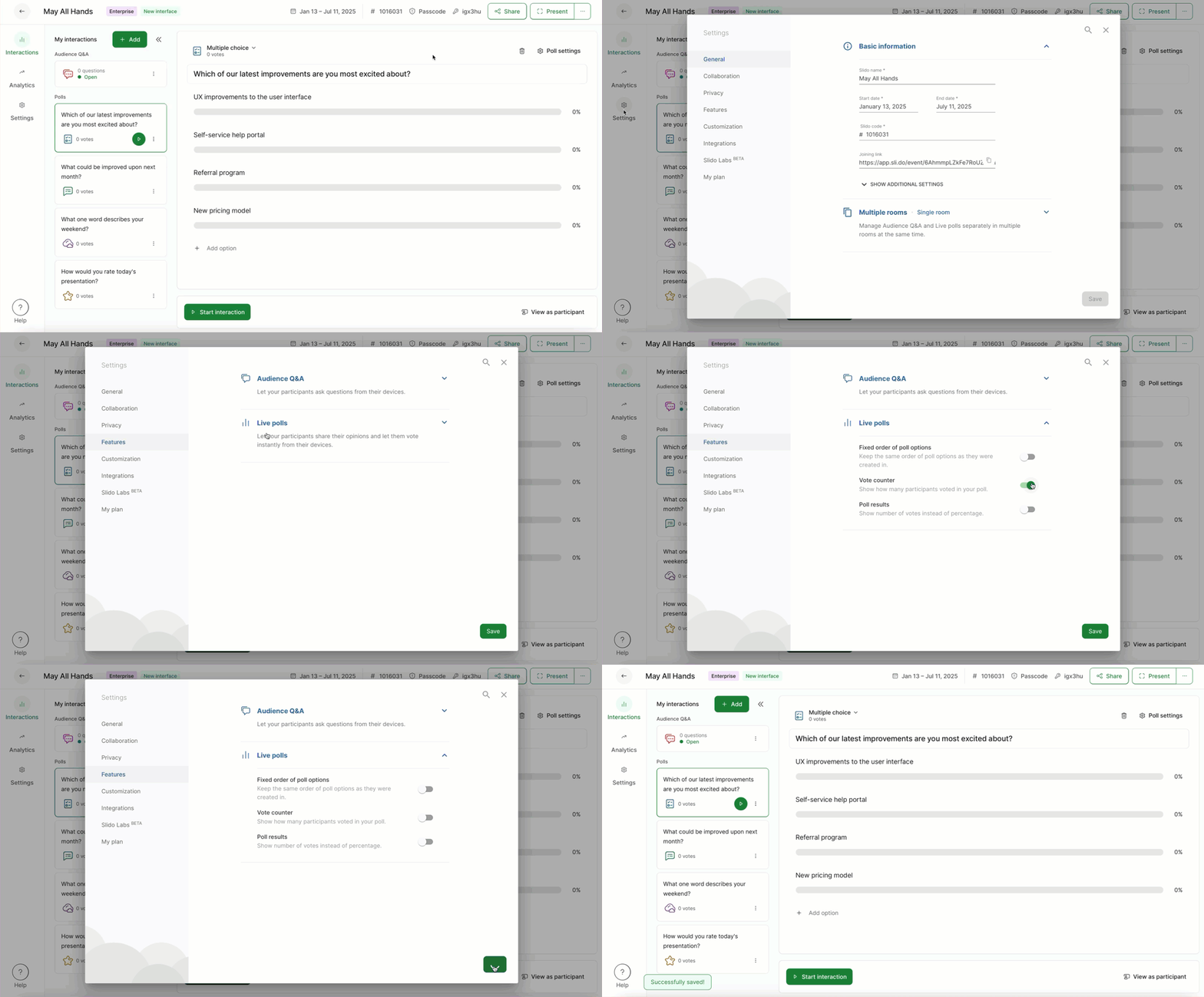
To hide the vote count:
- Go to Settings
- Select Features > Live polls
- Toggle the Vote counter off and hit Save
Example of Present mode with the vote counter:
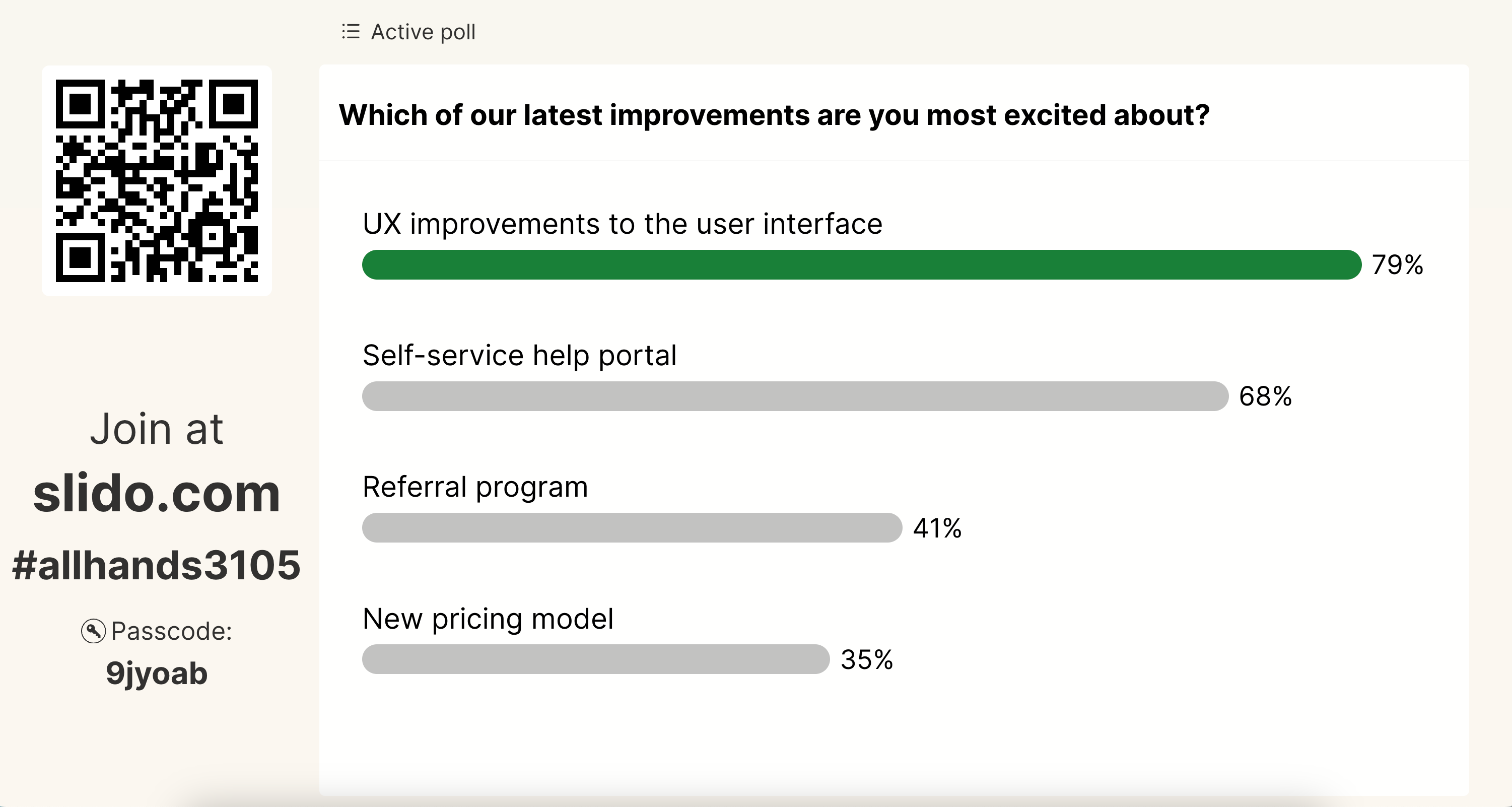
Example of Present mode without the counter:
Curious to learn more?