




April brought a new round of Slido updates designed to make great meetings feel a little easier. And with Slido AI helping you get there faster, it takes even less work to turn ideas into interaction. Let’s take a look at what’s new.👇🏻
🪄 Let Slido AI do the work for you
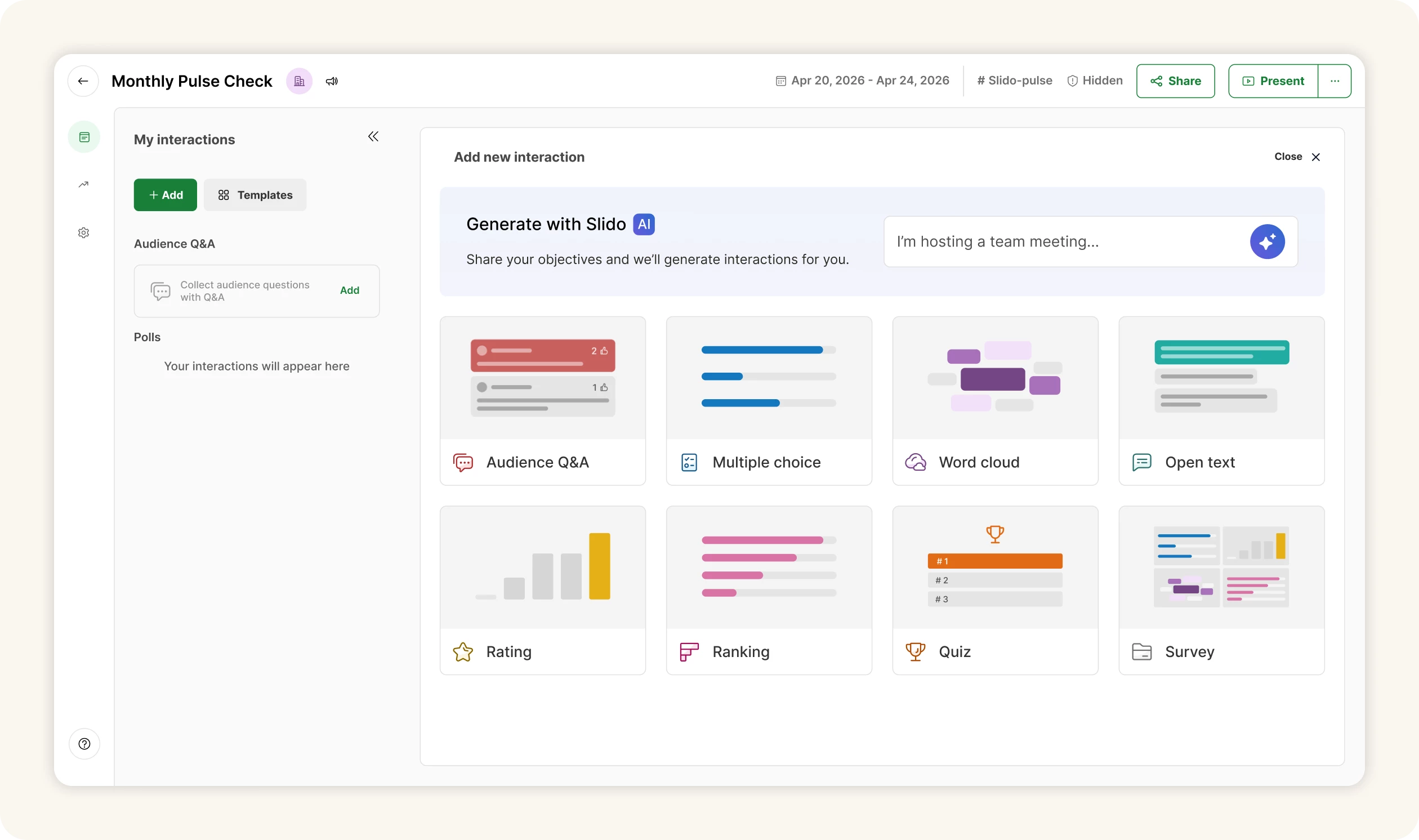
We’ve moved the option to create your polls with AI to the top of the interaction tiles in Host mode, so it’s easier to get poll ideas for your next meeting or event. Just enter a few details and AI will come up with suggestions tailored to your needs.
And that’s not all. In May, we’ll also give you the option to upload your meeting agenda, notes or presentation so Slido AI can suggest even more relevant interactions for your session. 🚀
🧩 Updates to Slido for PowerPoint
We’ve released new versions of Slido for PowerPoint on macOS and Windows to help keep your presentations running smoothly.
Log back into Slido even while presenting
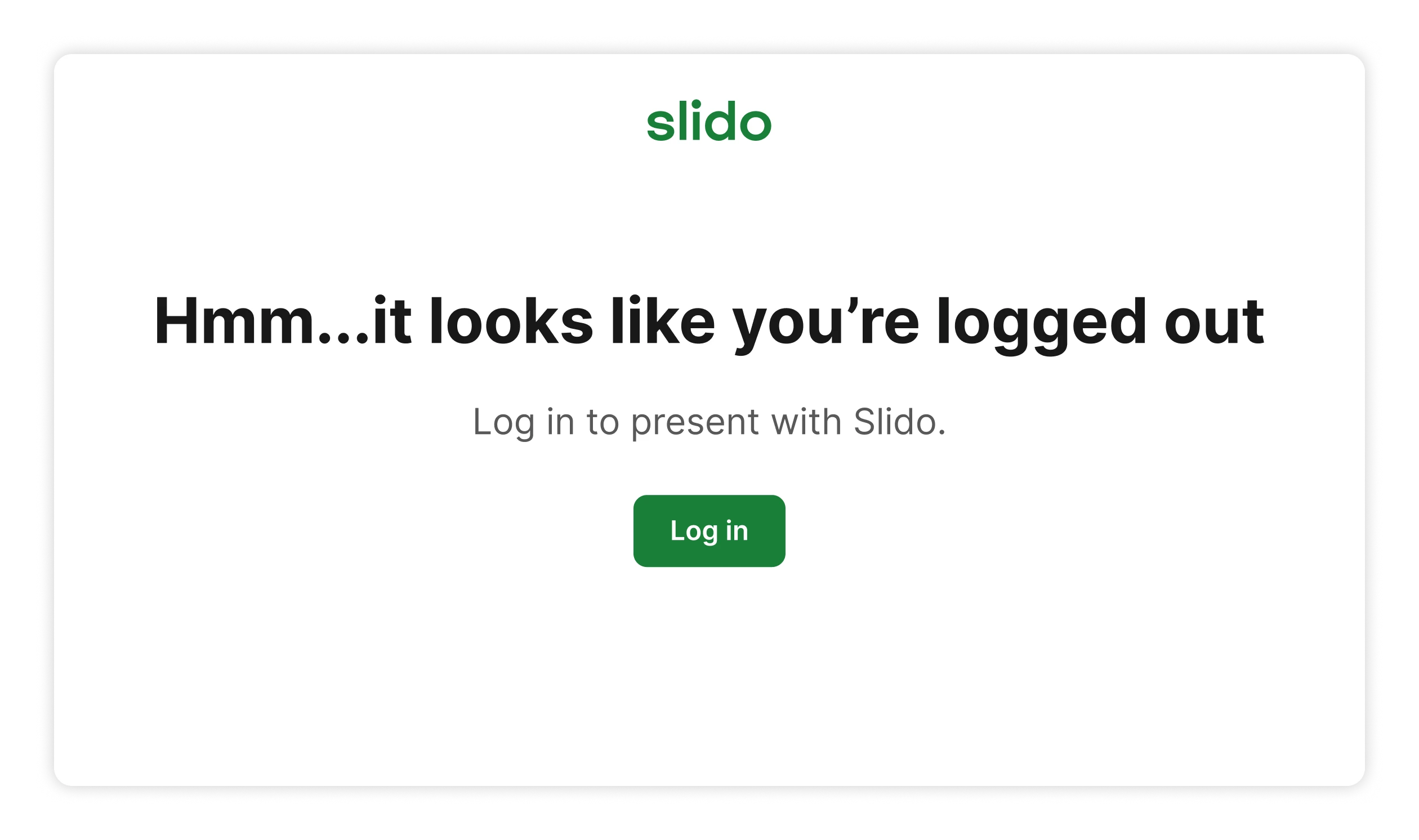
We’ve all been there: your slideshow is running, you reach your poll or Q&A slide, and that’s when you realize you’re not logged in to Slido. With Slido for PowerPoint on Windows 1.21.0, you can now sign in straight from the slide while your audience keeps seeing the current slide, not your login details.
The latest Slido for PowerPoint on macOS version 1.12.0 brings technical improvements and bug fixes for a more reliable experience. This version is supported with macOS 12.7 Monterey or newer.
Download the latest Slido for PowerPoint versions below:
- Slido for PowerPoint on Windows v1.21.0: Basic installer
- Slido for PowerPoint on Windows v1.21.0: Admin installer
- Slido for PowerPoint on macOS v1.12.0
For details on the updates check our changelog articles:
📊 More accurate Organization Analytics
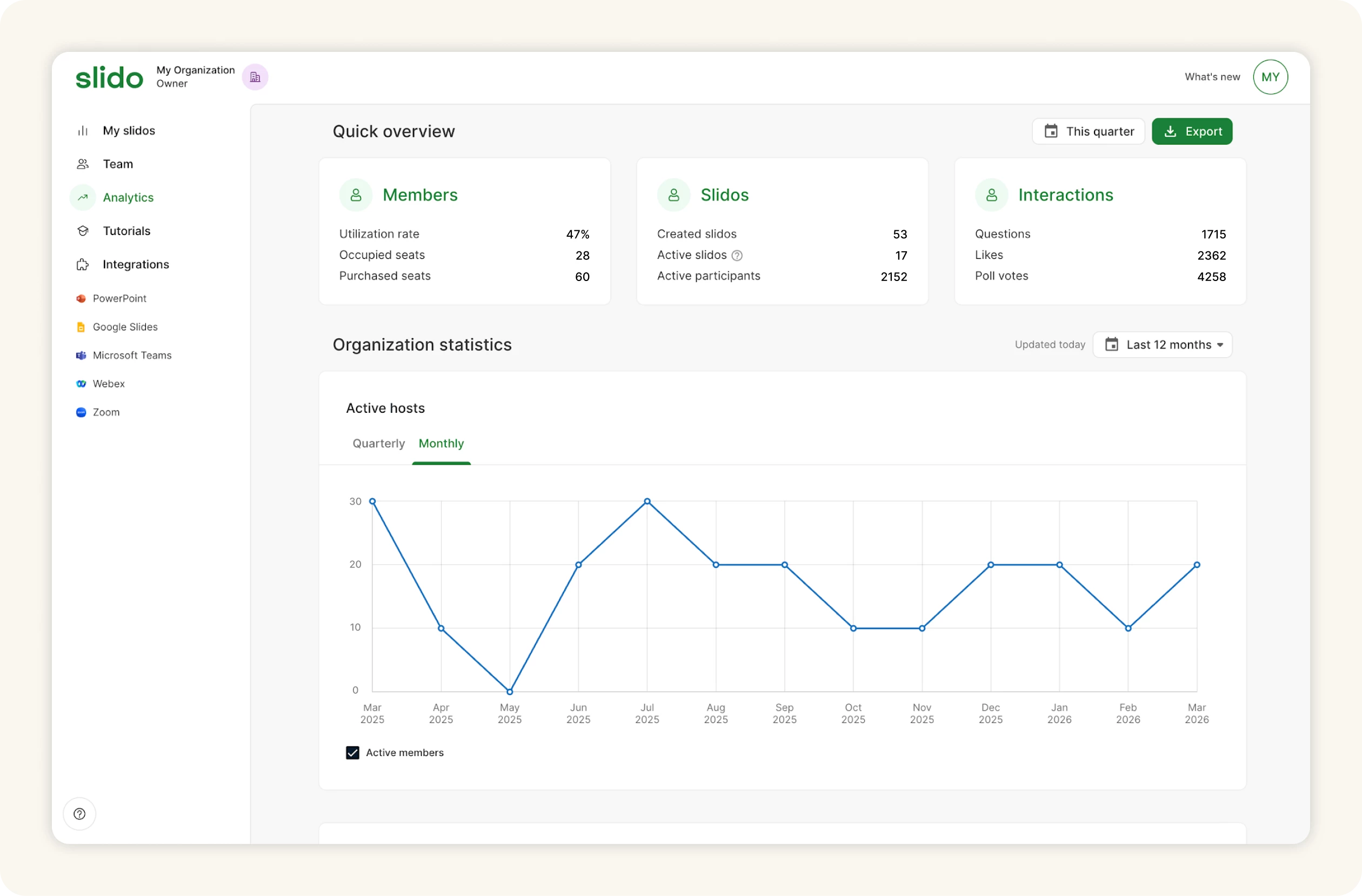
Your Slido Organization Analytics now capture activity more precisely. For a small number of organizations (2%), this may result in some interactions shifting between months, but the overall stats stay the same.
We’ve also updated the all-time team stats to also include deleted events to better reflect all interactions that happened.
That's all for our April updates - we hope you're as excited about them as we are! Don't forget to subscribe to our Product News and Announcements at the top of the page to stay in the loop on all things Slido. 📩
If there’s something you’d like to see in Slido, share it in our Wishlist.🤞