




Did you know July is named after Julius Caesar, who introduced the leap year and gave us an extra day every four years? While we can’t add a day to your month, we’ve been working behind the scenes to help you make the most of the ones you have. Read on to discover the latest improvements we added to Slido in July.
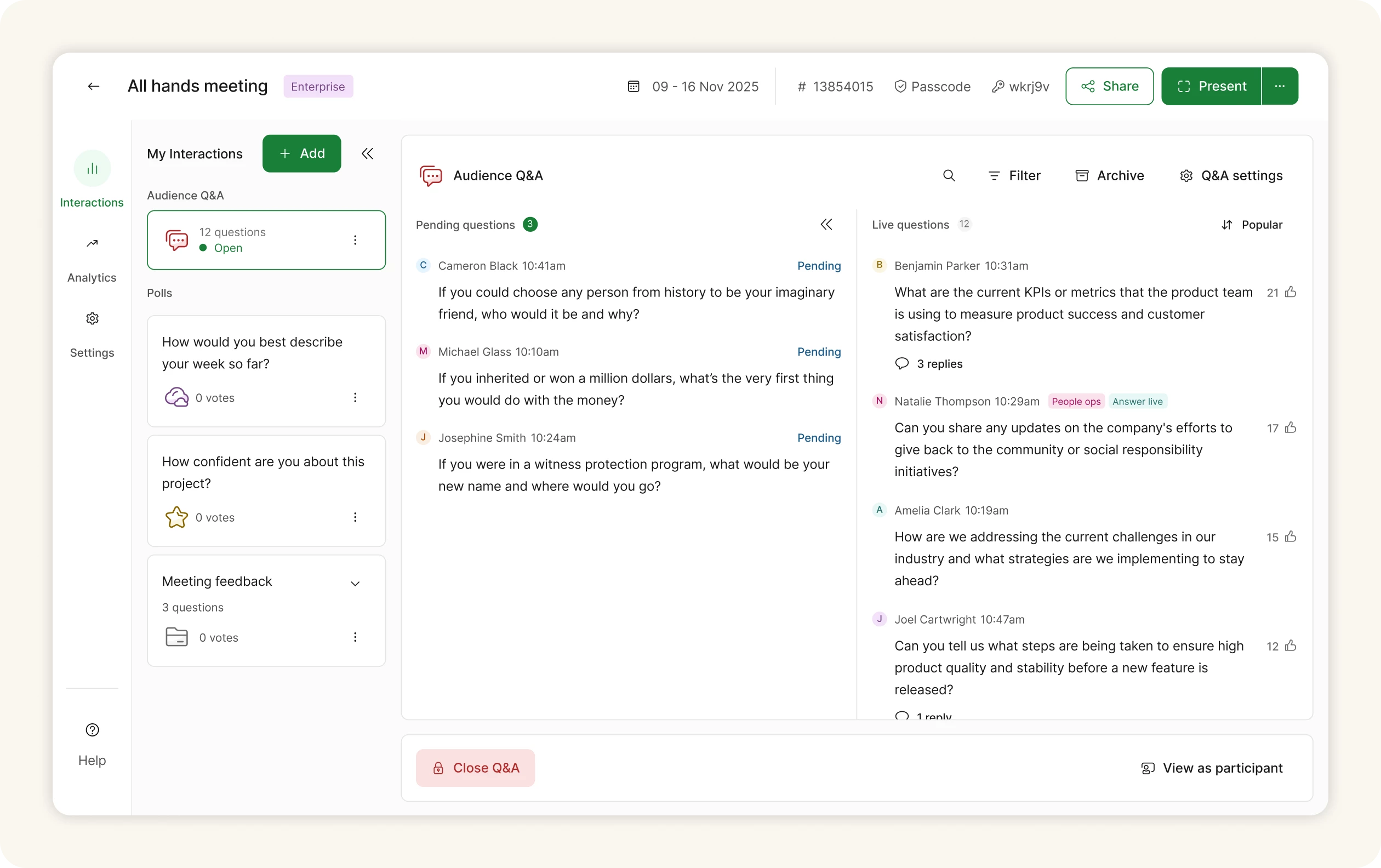
💬 Q&A content card improvements in Host mode
We’ve given the Q&A content card a fresh, more compact design to help hosts stay organized. The questions list is now more concise, giving you the space and flexibility you need to manage Q&A smoothly during live meetings and events.
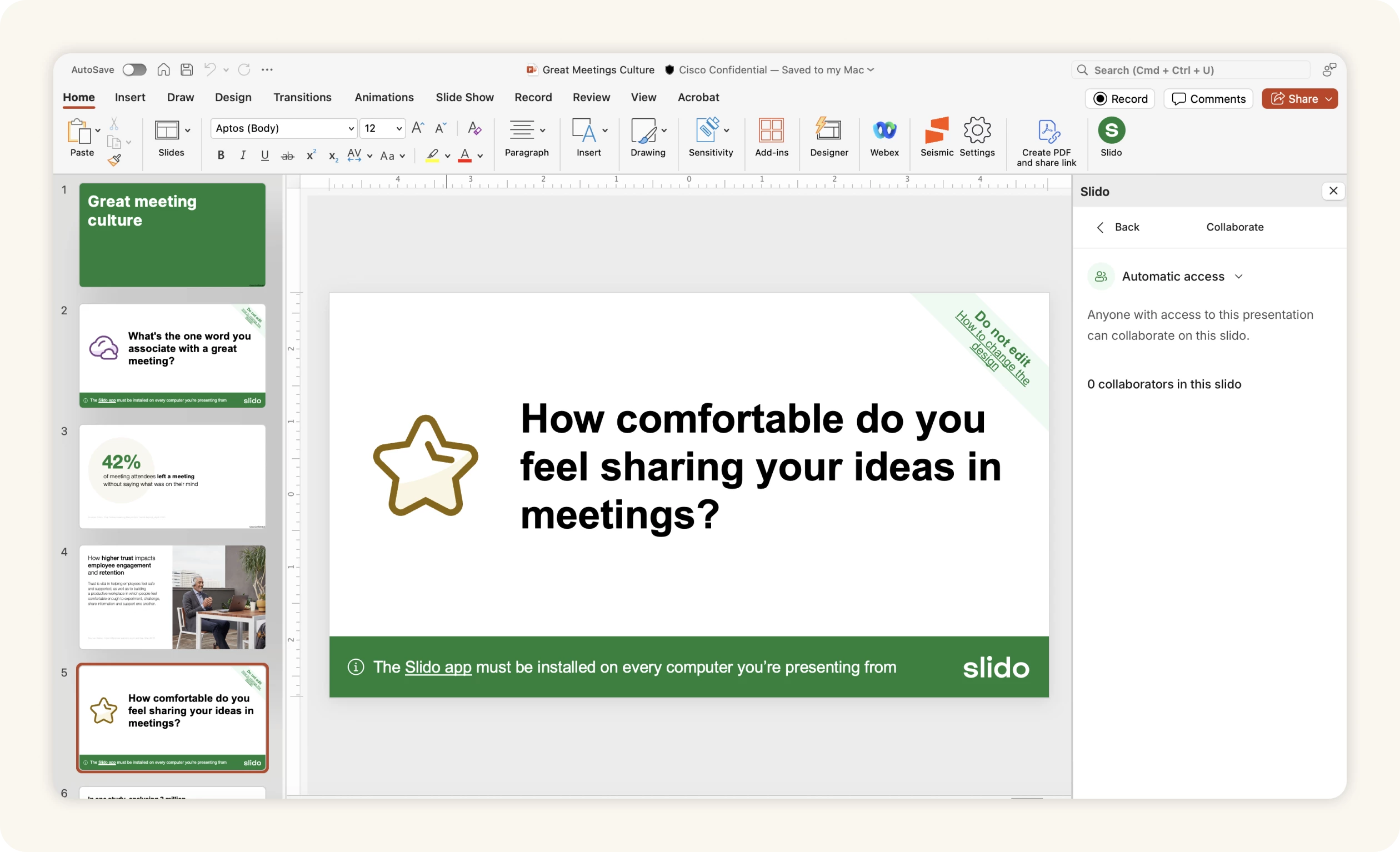
🤝 Easier collaboration access to a slido in shared PowerPoint presentations
You can now let anyone with access to your PowerPoint file view and use the linked slido. Just head to the Collaboration option in the Slido menu. By default, it’s set to Invite only, but you can switch to Automatic access to make it easier for others to manage the slido and see the results.
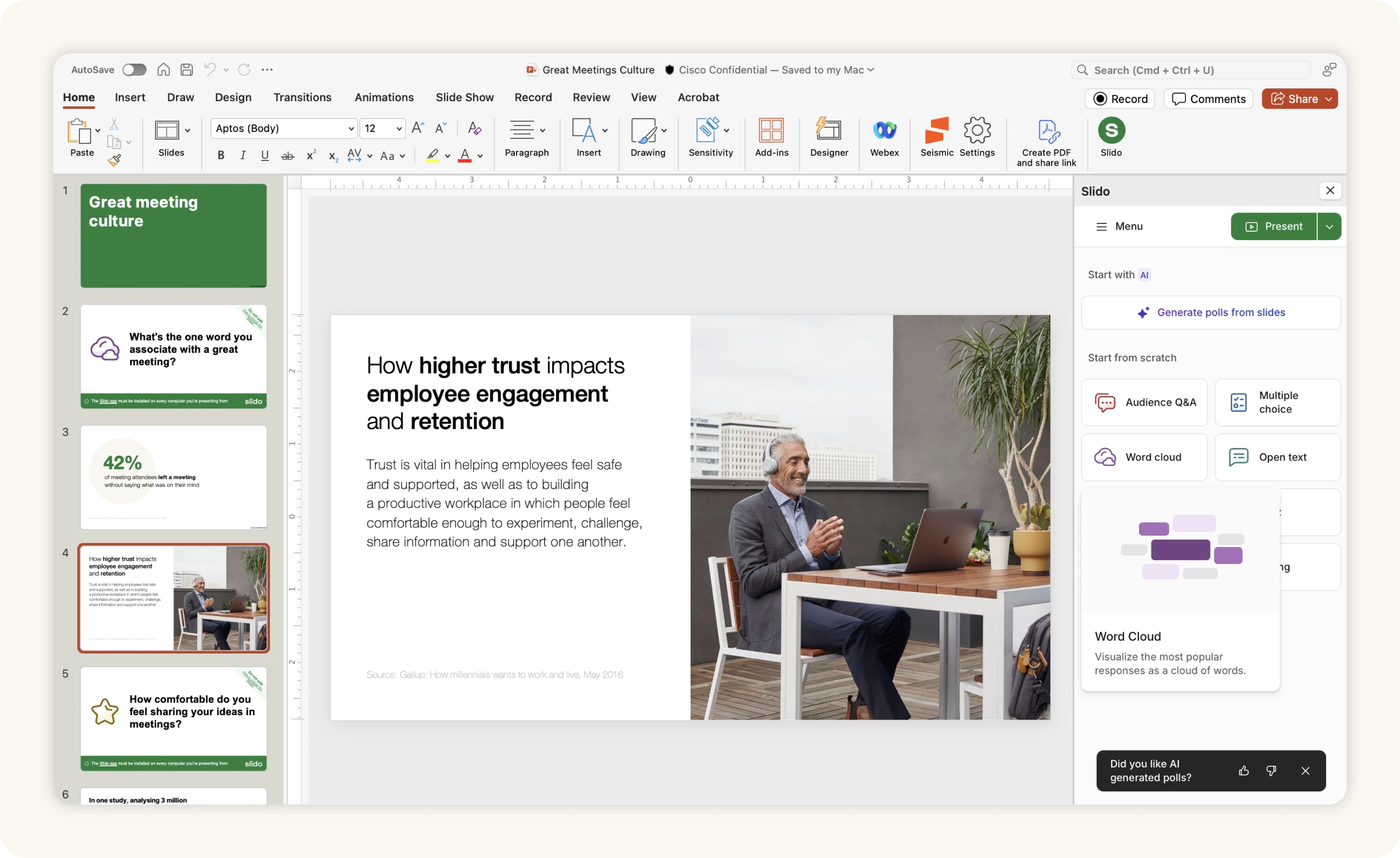
👍 Tell us what you think about AI-Generated polls 💚
Have any thoughts on our AI-Generated polls in PowerPoint or Google Slides? We’d love to hear from you! The new feedback form appears after you return to the initial screen from the list of generated polls—just leave a quick rating and add a comment if you’d like. Every message gets read and truly helps us improve.
If you haven’t used AI-Generated polls in your presentation yet, here’s how it works—give it a go! 🚀
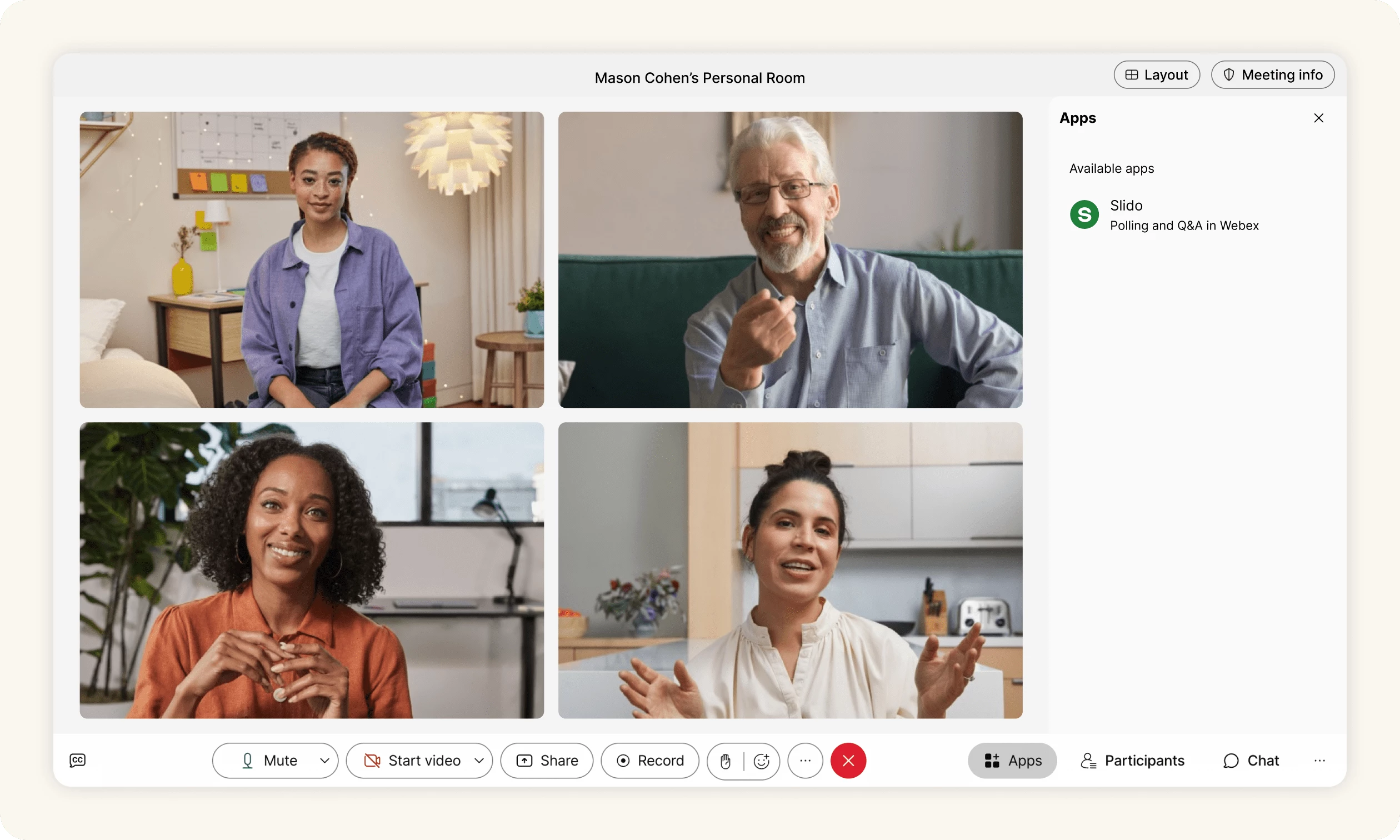
🌐 Slido is available in the browser version of Webex
Good news for everyone using Webex in a browser: hosts can set up polls and run Q&A, while participants can ask questions and cast their votes—all without leaving the browser. Enjoy the new, seamless experience! 🥳
That's all for our July updates—we hope you're as excited about them as we are! Don't forget to subscribe to our Product News and Announcements to stay in the loop on all things Slido. 📩
Got feedback? We're all ears! Share your thoughts with us at experience@slido.com 👋