

If better meetings make you happy, you’re in the right place. March delivered a fresh set of Slido updates to help you engage your audience with less effort. Let’s take a look.👇🏻
🗂️ Sorting for Open text poll submissions
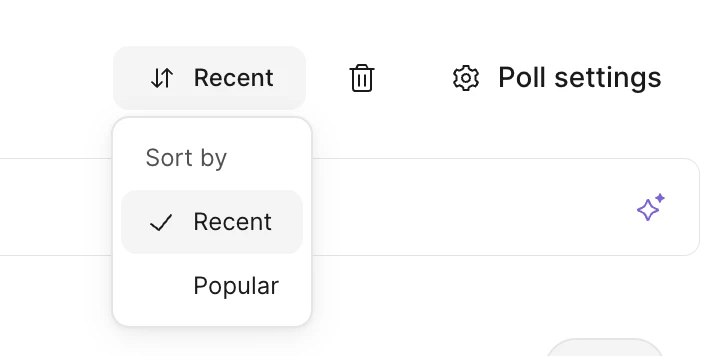
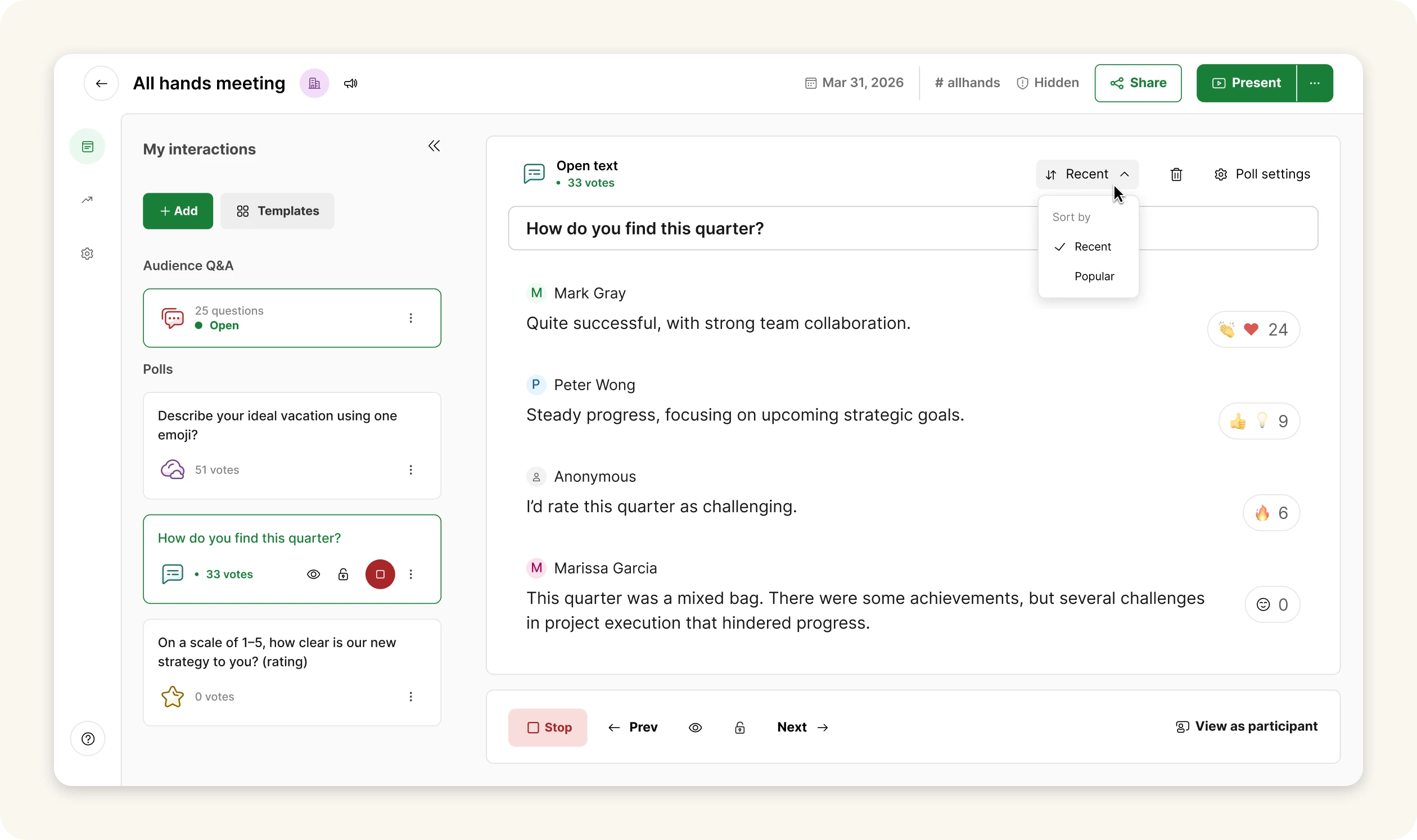
Reviewing dozens or even hundreds of open text responses just got way easier. If you have emojis enabled for upvoting in your Slido settings, you can now sort participant responses by popularity or chronological order so it’s easier to spot what matters, in seconds.
You can set your preferred sorting separately for Host mode and Present mode, and participants can choose their own preferred sorting on their devices as well.
🛡 Changes to Participant privacy settings
We’ve made participant privacy settings simpler and more flexible for everyone.
Anonymous by default for new slidos
Slidos are now set to Anonymous by default so it’s easier to collect honest questions and feedback from the start. Your audience can respond to polls and ask questions anonymously, unless they choose to add their name.
The only exception is Webex and Enterprise plans with SSO already in place.
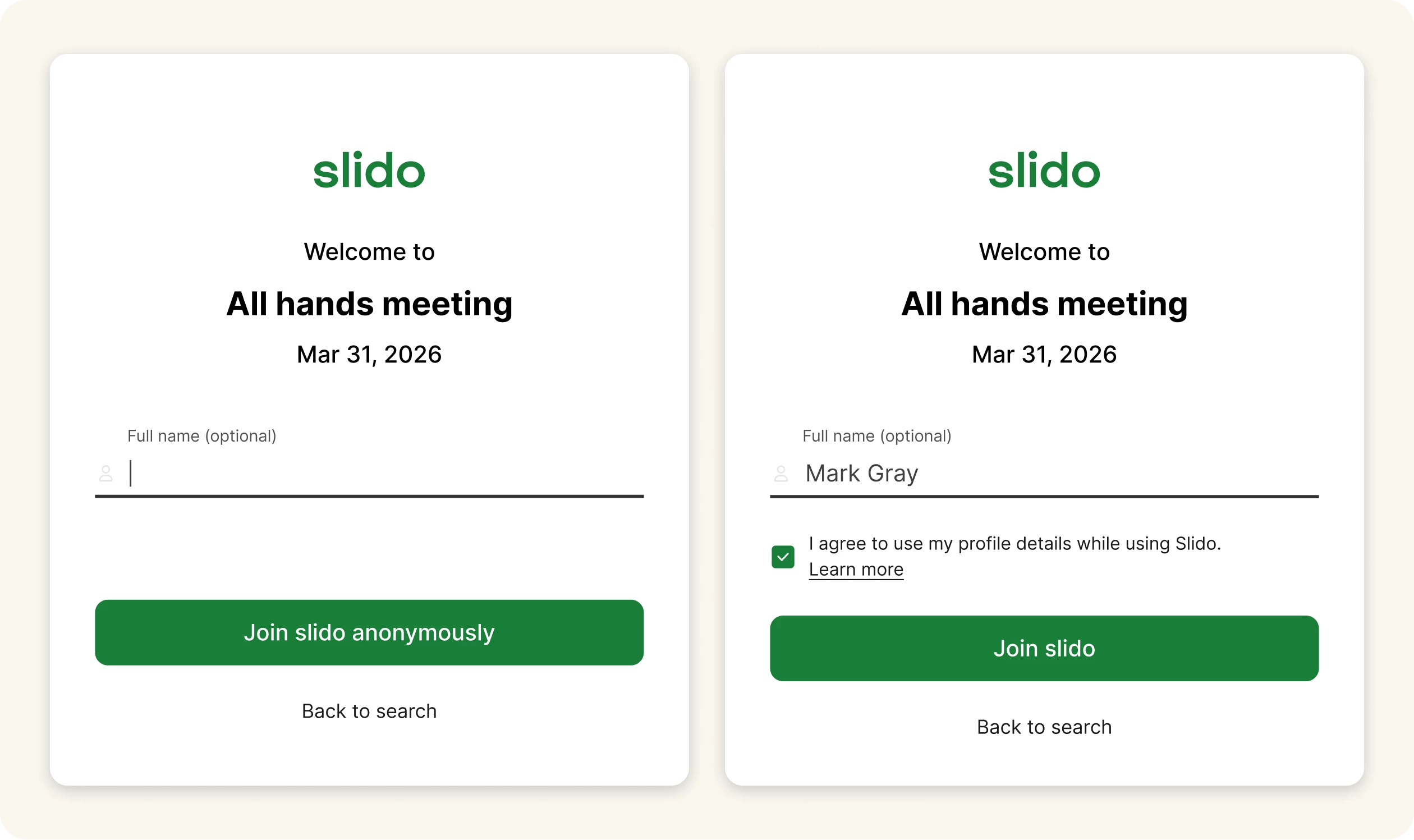
A new screen lets participants add their name before joining
When you switch to Named by default option, participants will see a welcome screen before joining a slido, where they can enter their name or skip that step and join anonymously instead. It’s a simple change that gives you more flexibility and your participants more choice.
Adjust the Privacy settings even with Basic and Engage plans
Are you on a Basic or Engage plan? We’ve got good news! You can choose the Participant privacy setting for each slido, so it’s easier to set things up in a way that fits your session.
🌅 Sunsetting Slido mobile apps
Our mobile apps for iOS and Android were officially discontinued on March 30, 2026. Read more about the change below.
You can still access Slido on your phone or other mobile device by going to slido.com, entering the Slido code, scanning a QR code or following the direct link shared by the host. Slido will open in your mobile browser, where you can ask questions and respond to polls as easily as before.
Still have the app installed? Here's what to expect:
- For iOS users, the name of the Slido app will appear as (Discontinued) Slido. On Android or in some cases due to customizations, you may not notice any change until you try to open the app.
- When you try to open the Slido app “The app is no longer supported. Continue using Slido in your browser” will appear. If you select the Open in browser button, you’ll get redirected to app.sli.do in your mobile browser .
That's all for our March updates - we hope you're as excited about them as we are! Don't forget to subscribe to our Product News and Announcements to stay in the loop on all things Slido. 📩
Got feedback? We're all ears! Share your thoughts with us at experience@slido.com. 👋