



Editing polls or surveys is easy. And the best part is, any changes are updated in real time for your participants.
If you want to edit a survey, check out this article
How to edit a poll or survey
- Select the poll under My interactions
- Click any text box and make your edits
- Notice the poll saves automatically
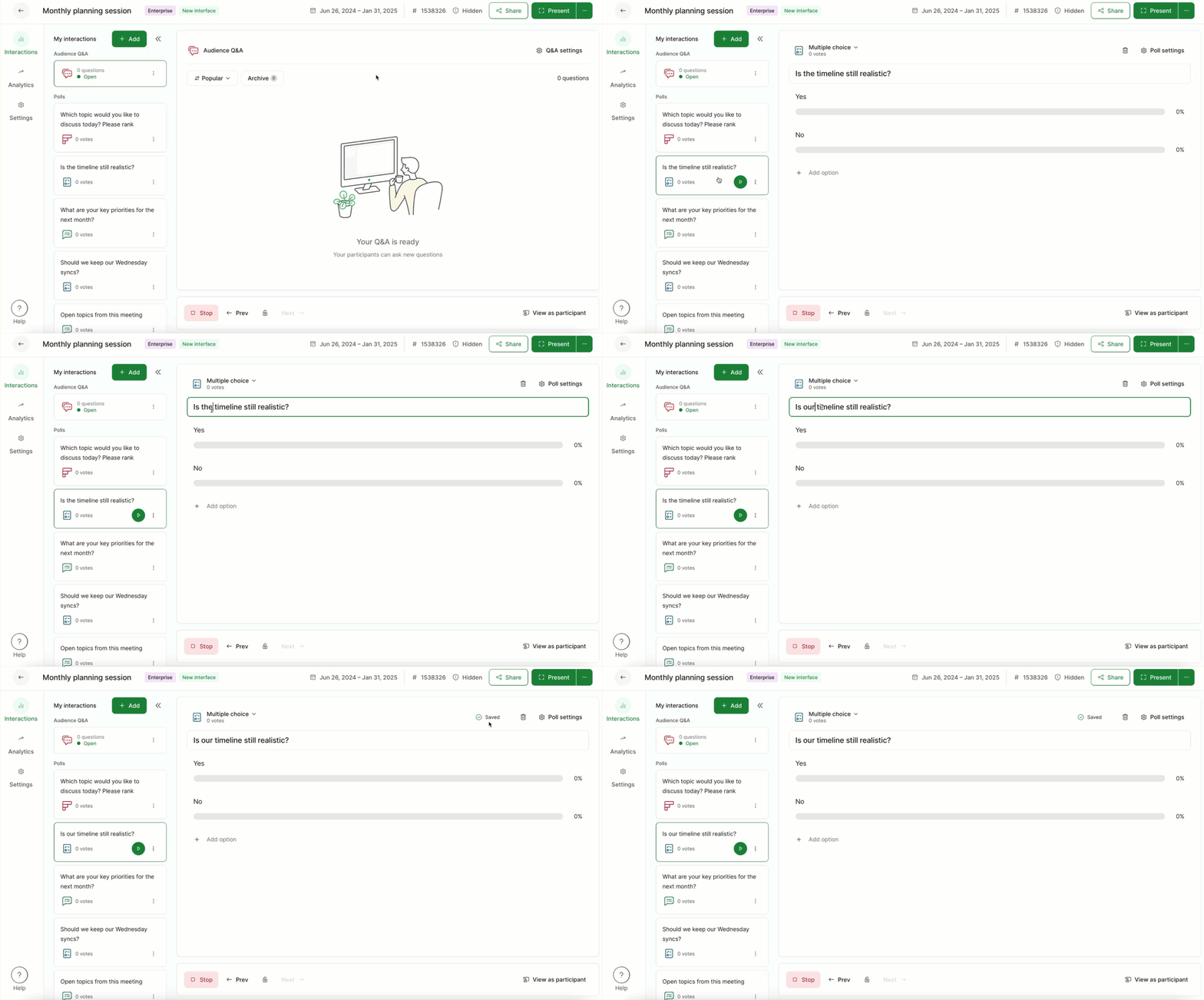
Polls save automatically after a few seconds or whenever you click outside the text box.
How to rearrange your polls
To rearrange your polls underneath My interactions, simply drag and drop them.

Note that you cannot edit any participant responses. However, as a host or co-host, you can delete specific word cloud or open text responses.
Curious about more?