Solved

"Oops something went wrong" message in PowerPoint

  • April 14, 2024
  • 3 comments
  • 251 views

Hello everyone,

When using slido in Powerpoint (under Win 10) I get an error message as shown in the picture when inserting slides.
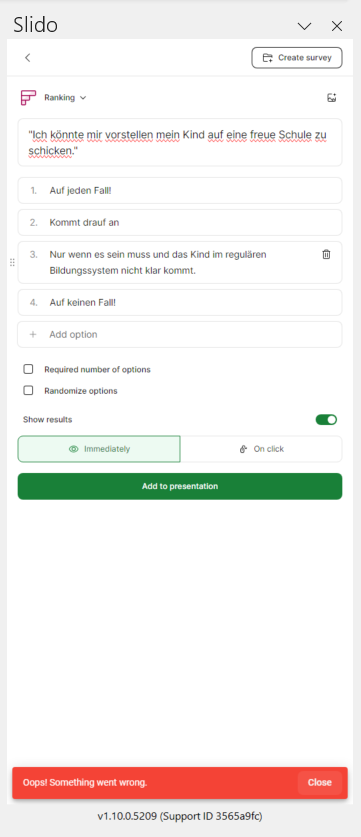
At the bottom it says in red letters: "Oops! Something went wrong."

All I can do is click "Okay". If I then want to insert the slide again, the error message comes up again.

The only thing that helps is that I close Powerpoint, reload the presentation and then recreate the slide. But that's pretty annoying! I can't always close the entire presentation and restart it to insert new slides.

What could be the reason?

Thank you for your help!

Best regards, buze

Best answer by Carly from Slido

Hey @buze ,

I’m glad you posted and we’ll be glad to help out via email. Could you please reach follow the steps here to contact our Customer Care team? There’s some steps outlined there that will help us troubleshoot most effectively 👍

3 replies

Carly from Slido
Forum|alt.badge.img

Hey @buze ,

I’m glad you posted and we’ll be glad to help out via email. Could you please reach follow the steps here to contact our Customer Care team? There’s some steps outlined there that will help us troubleshoot most effectively 👍


  • Participant
  • September 25, 2024

I’m having the same issue as above. Is there a quick solution?


Ondrej from Slido
Forum|alt.badge.img

Hello @RobynH 

There could be many factors behind the sort of error. That is why following the steps to contact our Care team is the best way to go. They’d be more than happy to investigate for you.