



As a Project or Team Lead, you're the crucial connector. You drive initiatives forward, keep diverse teams aligned and ensure stakeholders are informed. Your days are packed with back-to-back meetings, including everything from high-stakes executive check-ins to daily stand-ups with your team.
You’re tasked with fostering collaboration, building trust and making clear decisions – all while trying to not make more work for yourself.
In this guide, you’ll see how using Slido in your meetings and stand-ups can make your job easier and your projects more successful – all with minimal effort.
Common challenges
Meeting prep overload
- Fatigue: Hosting back to back to back meetings is enough work without having to prepare for engagement.
- Keeping people’s attention: When everyone’s schedule is loaded with meetings and their cameras are off, you have to work even harder to engage them.
Uneven participation
- The usual voices: When it’s the same voices that are always the loudest, you can miss a lot of valuable insights from others.
- Silent disagreement: Without a safe space to share conflicting opinions, some team members may quietly disengage from the team or project.
Lack of alignment
- Diverse teams: Every team or project includes people with diverse work styles and expertise – keeping everyone aligned can be a struggle for any leader.
- Stakeholder expectations: Stakeholders need to be aware of changes, but it’s a balancing act managing those high-level updates with the day-to-day operations of your team or project.
How Slido can help
Seamless integrations
- Present like you normally do: Slido’s PowerPoint and Google Slides integrations add polling and Q&A directly to your slide deck – no need to switch tools or windows.
- Meet your team where they are: Use Slido integrations with Zoom, Webex and Microsoft Teams to engage your team directly within their meeting windows.
Have Slido AI generate your polls
- AI-generated polls based on your presentation: Using a presentation? In just a few quick clicks, Slido AI can generate polls based on your presentation content.
- Perfect poll placement: Not only can AI-generated polls create polls for you in seconds, when you select them, they’re added to the ideal spot within your slide deck.
Easy to use templates
- Find polls based on your meeting type: Slido’s template library allows you to search for poll templates based on what sort of meeting you’re hosting.
- Filter by poll type: On top of filtering Slido templates by your use case, you can also narrow your search by what sort of poll you’d like to run.
Little to zero prep options for engagement
- Q&A at every meeting: Opening Slido Q&A at every meeting provides a safe place to ask questions anonymously or with names – and there’s nothing to prep beforehand.
- Brainstorm with an open text poll: Adding an open text poll that asks “Any ideas?” or “What do you think?” allows you to collect feedback during any meeting with almost no effort at all.
Best practices and examples
Rating poll
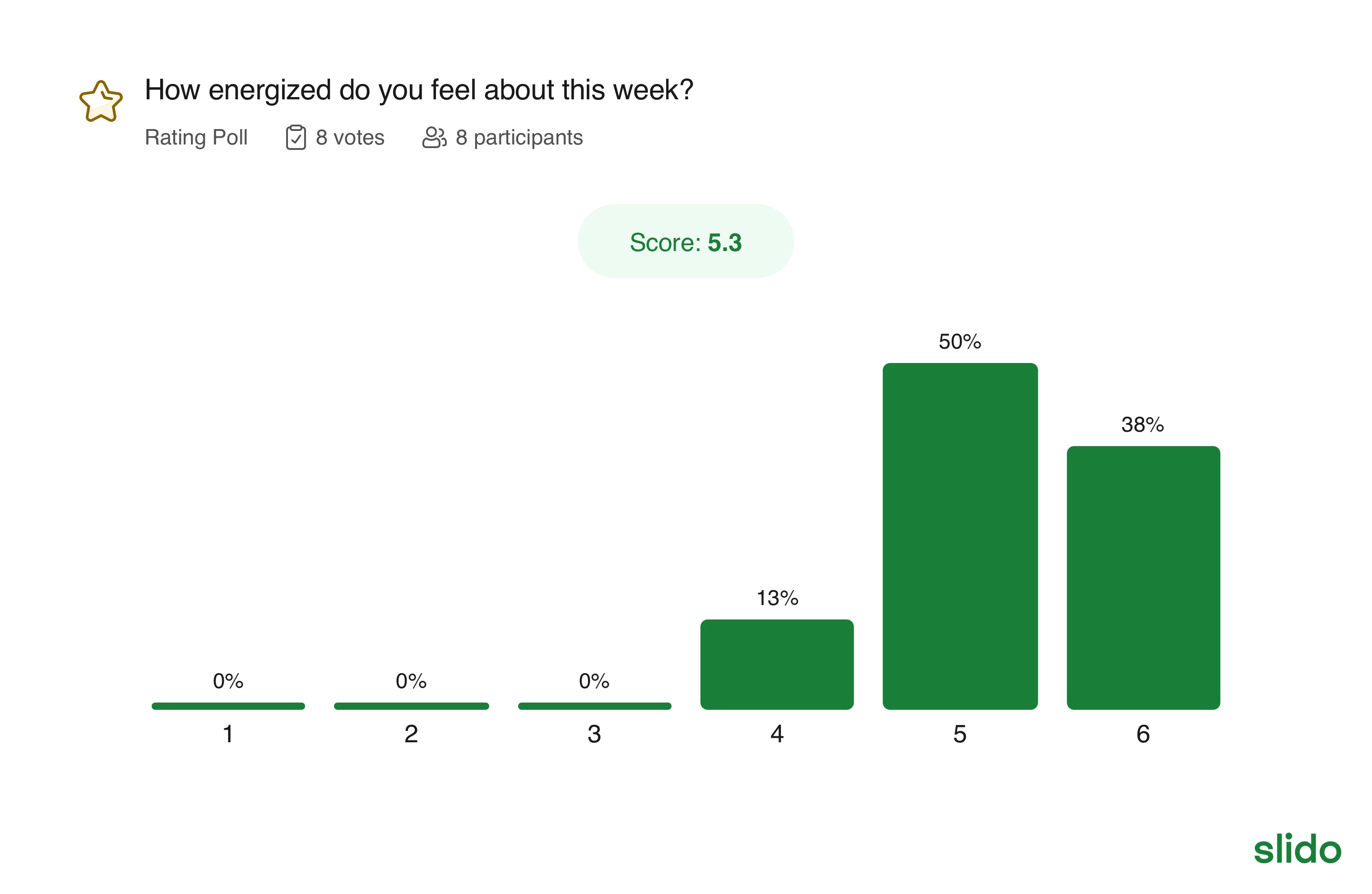
Run a quick pulse check with your team to get a general sense of where they’re at.
Why use it?
Rating polls help you to quickly “read the room” during any meeting or sync. They can help you identify misalignment within your team, or confirm that everyone is on the same page – allowing you to move forward together.
Examples:
- How confident are you with our timeline?
- How manageable is your workload this week?
- Brain fog level today? (1 = laser sharp, 5 = where’s my coffee?)
Audience Q&A
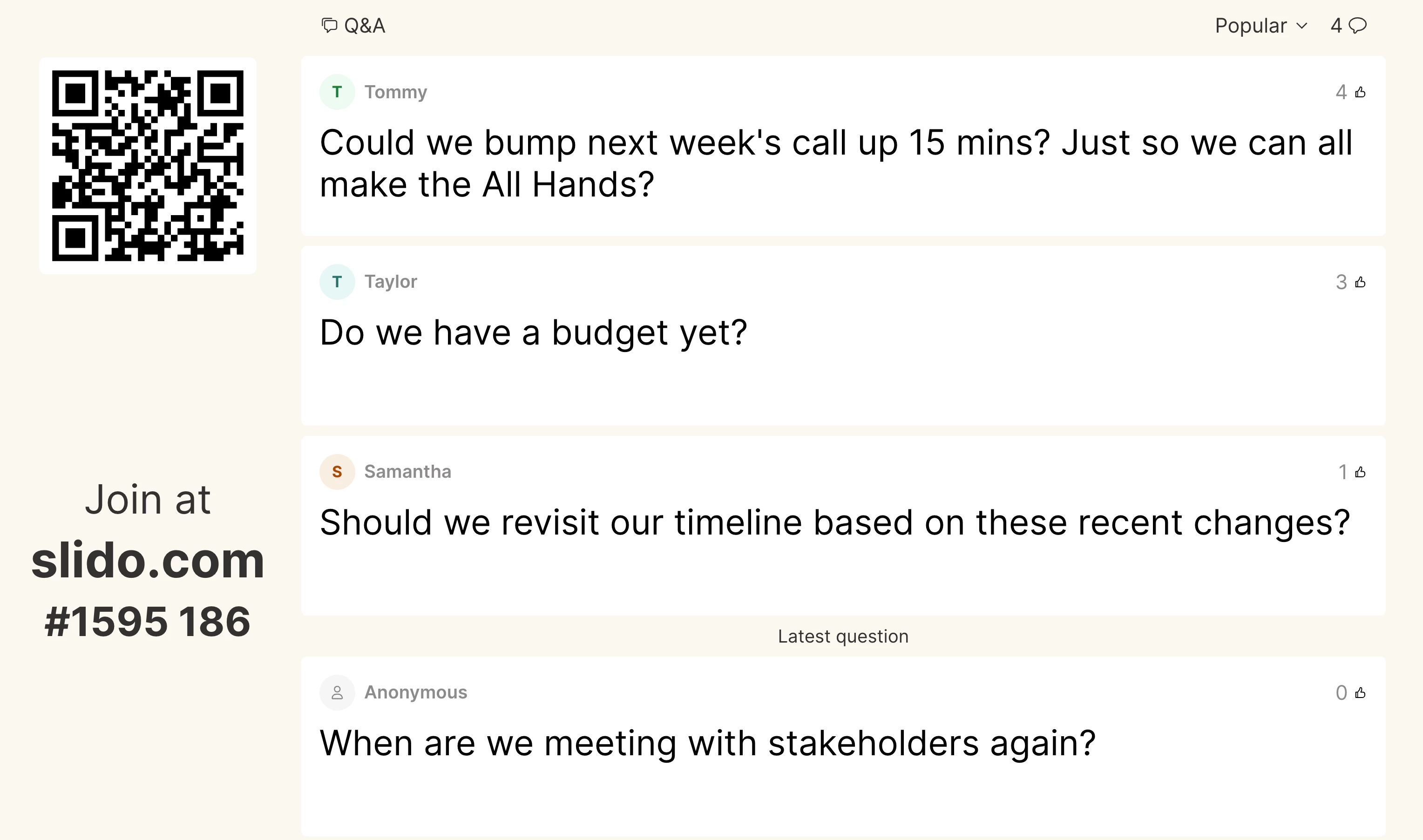
Use Slido Q&A so team members can ask questions at any time without interrupting.
Why use it?
Some meeting hosts like to be interrupted when someone has a relevant question, while others like to finish before taking questions. No matter what style you choose, Slido Q&A provides a safe, transparent and efficient way for team members to ask questions and upvote others.
As a host, you can check the Q&A for relevant questions while also seeing which questions are resonating the most with your team.
Example Q&A prompts:
- “I have a lot of updates to get through today, so make sure to ask any questions in the Q&A”
- “Today’s call is pretty content-heavy. Feel free to interrupt me for questions, but if it isn’t urgent, submit it to Slido Q&A. I’m leaving time for that at the end.”
- “Our team is obviously going through some changes right now, so please submit any questions to the Q&A. Feel free to use your name or remain anonymous.”
Open text poll
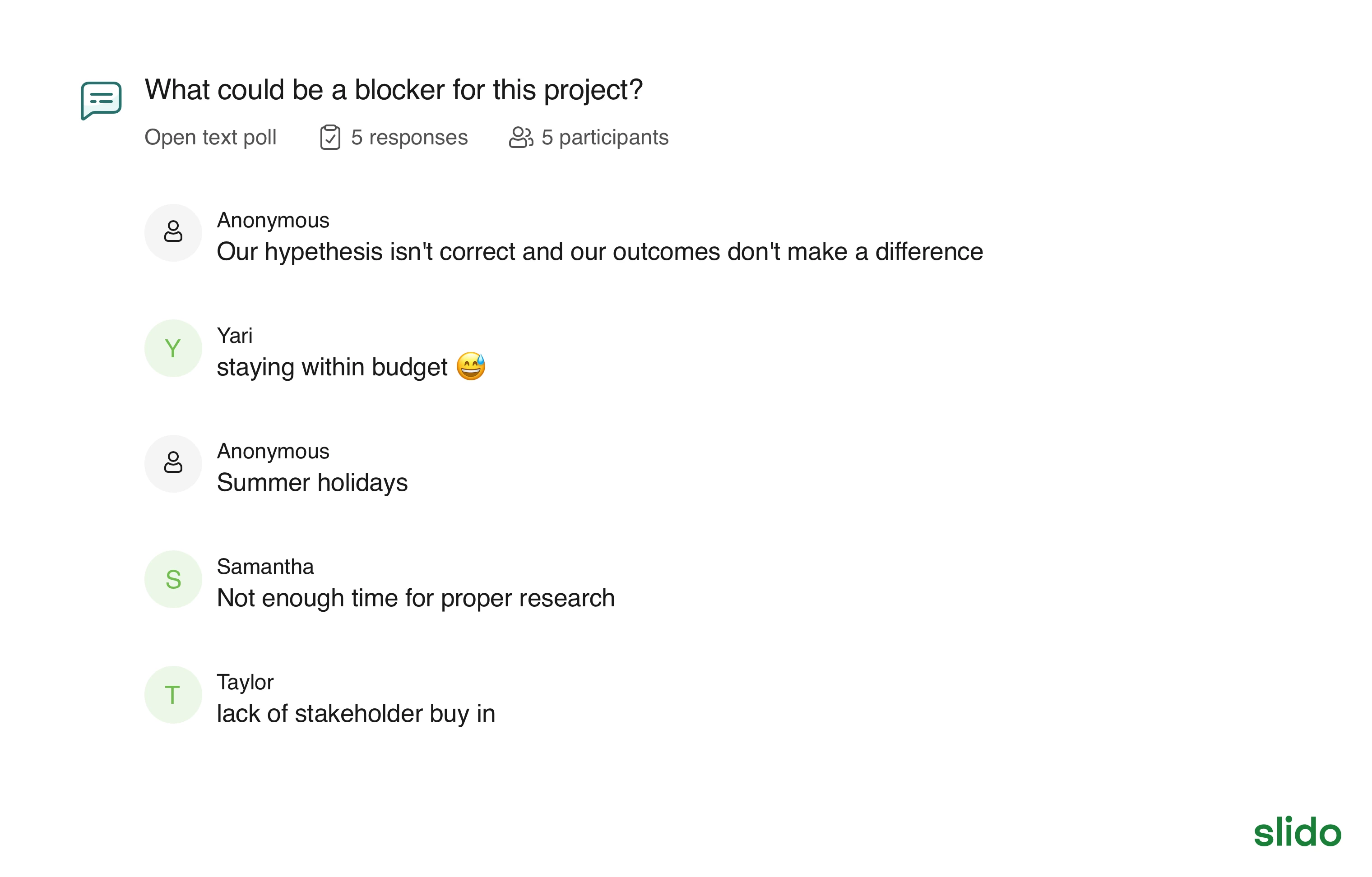
Ask your team to share their ideas or opinions about what’s going on in short written form.
Why use it?
Open text polls allow you to gather your team’s thoughts and opinions about anything. And when you go over the results together, you’ll notice the discussions building stronger connections within your team.
Pro tip: Hide your open text results at first so that nobody is influenced by others’ ideas or opinions.
Examples:
- What’s one thing you’re proud of from last week?
- Our project updates are scattered across multiple channels. How can we consolidate them and be more efficient?
- Any feedback or ideas to improve our team’s collaboration?
- Has anything unexpected come from working on this project?
Curious about more?