A new checkout experience is coming for some new US customers
1 month ago
Chapter 4
Creating interactions 🪄
Learn all about creating and preparing your audience interactions.
🤝 Creating interactions
Create your polls
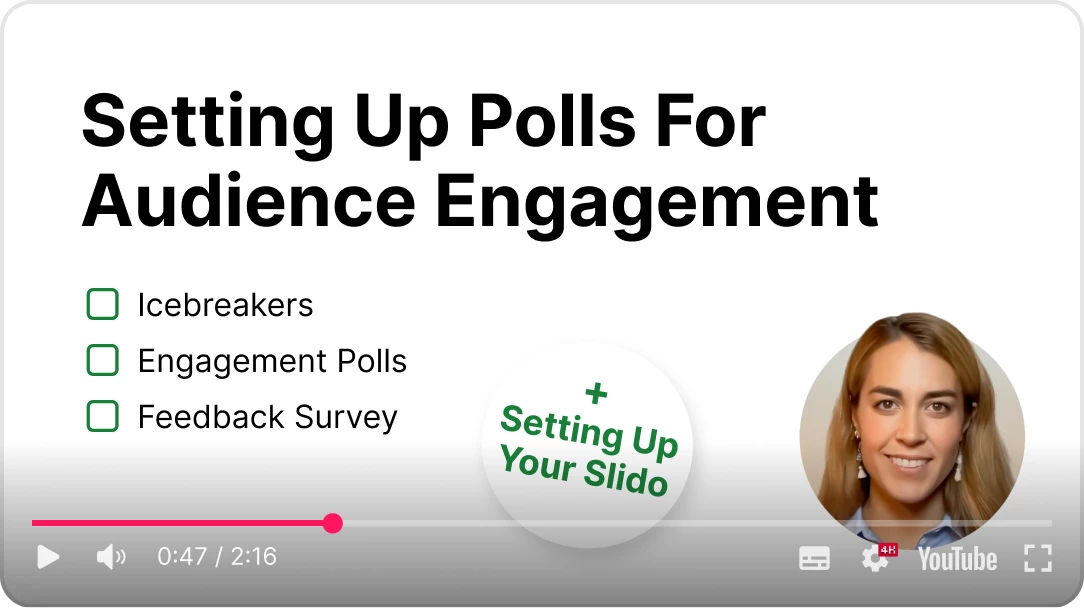
Slido offers a wide variety of
poll types to engage with your audience. In this video, you'll learn all about them and how to set them up.
ℹ️ Poll settings
Adjust poll settings
Every Slido poll type comes with its own set of individual settings. This video explains what these settings are, as well as where to find and adjust them.
🚀 Get inspired
Need some polling inspiration?
Slido includes poll templates directly within the product. You can browse our library and add the ones you want with a few short clicks.
Pro tip: Check out our blog about icebreaker polls and see how you can boost audience engagement right from the start of any event.
Just like polls,
Slido Q&A has its own set of options to customize the experience during your event. This video shows you everything you need to know.
🧩 Integrations
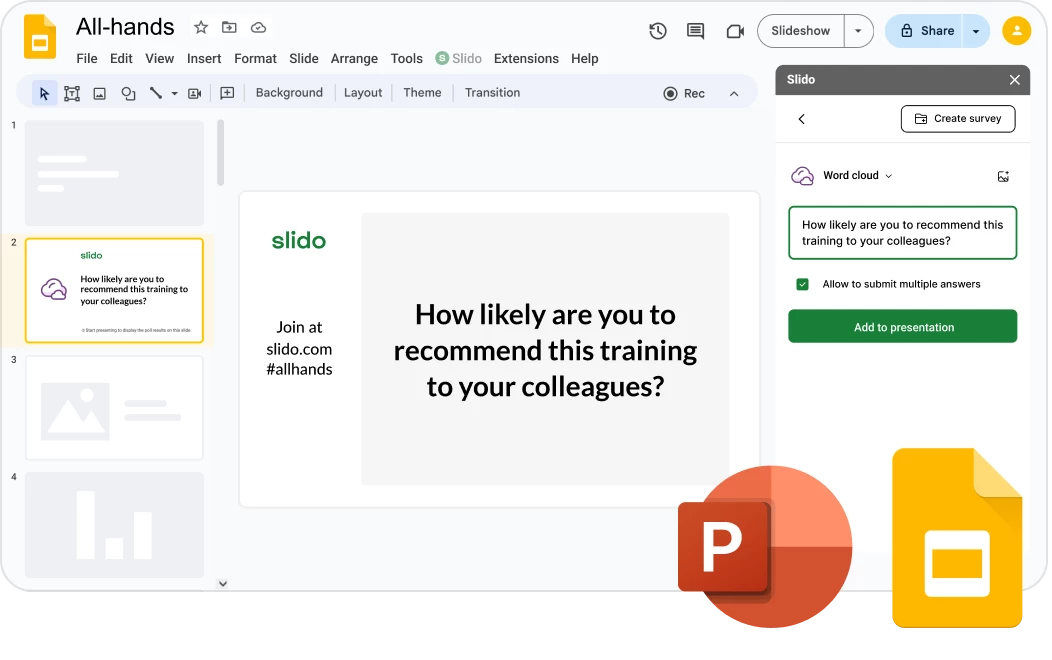
Consider using one of Slido's integrations
If you’re running a webinar or event as a solo presenter with a single presentation deck, consider using one of our integrations. While not recommended for larger events, these integrations allow you to seamlessly include live polls, quizzes and Q&A directly within your PowerPoint or Google Slides presentation.
💪 Presentation tips
Use holding slides
Holding slides are a great way to break up your Slido interactions during any large event. See exactly how they can help in this next video.
**Holding slides are only relevant if you are not using our PowerPoint or Google Slides integrations.
💡Feature highlight
Embed Slido into your event app
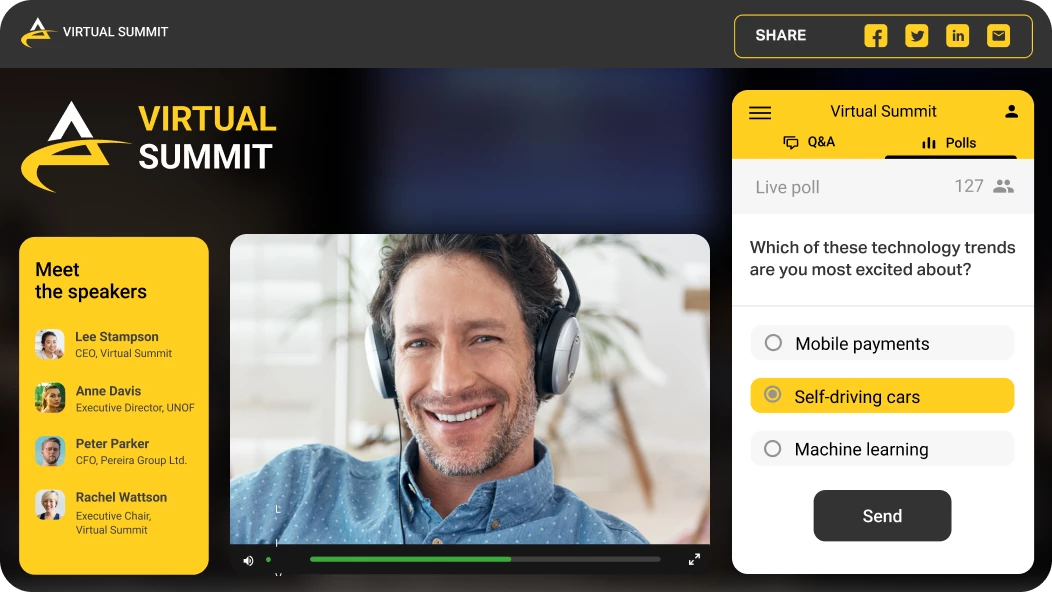
If you’re using an event app, you can embed Slido there directly. This allows your participants to interact with polls and Q&A seamlessly – all within your app. Learn more in our guide to embedding Slido into event applications.
💻 Final tech check
Plan your technical setup
Every event presents its own set of technical challenges. Our final video in this chapter offers tips and best practices for making sure your technical setup is ready for anything.