Question

Changing the card size

  • August 1, 2025
  • 3 comments
  • 25 views

Can you change the size of the card in Powerpoint as our corporate brand mandates our logo is at the bottom of the slide?

3 replies

Mika from Slido
Forum|alt.badge.img

Hello ​@Wayside

Mikaella here from Slido -  happy to help and thank you so much for patience! 😊

This is an interesting request, we have this workaround where you can change the Powerpoint presentation slides layout. Whether you’re using a Mac or Windows, the steps should be the same.

Design > Slide Size > Page Setup > Change the height to 22.15cm (example) and then present with Slido. I made a vidcast here

If that doesn't work for you, feel free to share your use case and a screenshot of what you need to support@slido.com and we can work together with you from there. 

Let me know if you have anymore questions! 

My best, 
Mikaella from slido 


  • Author
  • Participant
  • August 4, 2025

I tried the height 22.5 and that doesn’t work for us.

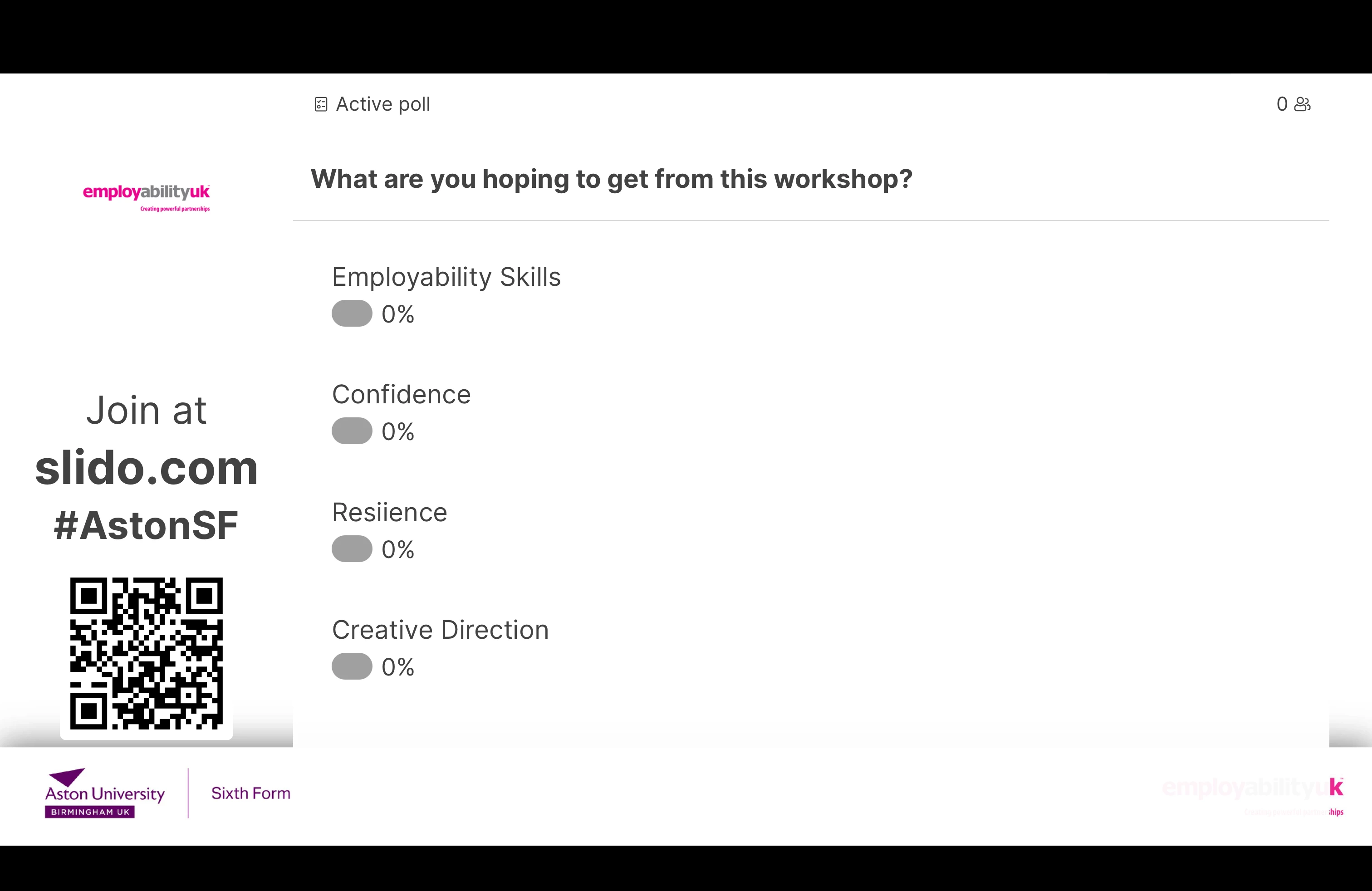
All our slide presentations have a bar at the footer with our logo (EUK) on the right and the workshop sponsor on the left.

As you can see the Slido card covers the logos. 

Our standard slide presentations are 1920x1080px ( 67.73x38.1cm)

Any help greatly received.

Rgds


Wayside


Mika from Slido
Forum|alt.badge.img

Hello ​@Wayside

Ah gotcha, thank you so much for sharing the screenshot with me, this is super helpful!

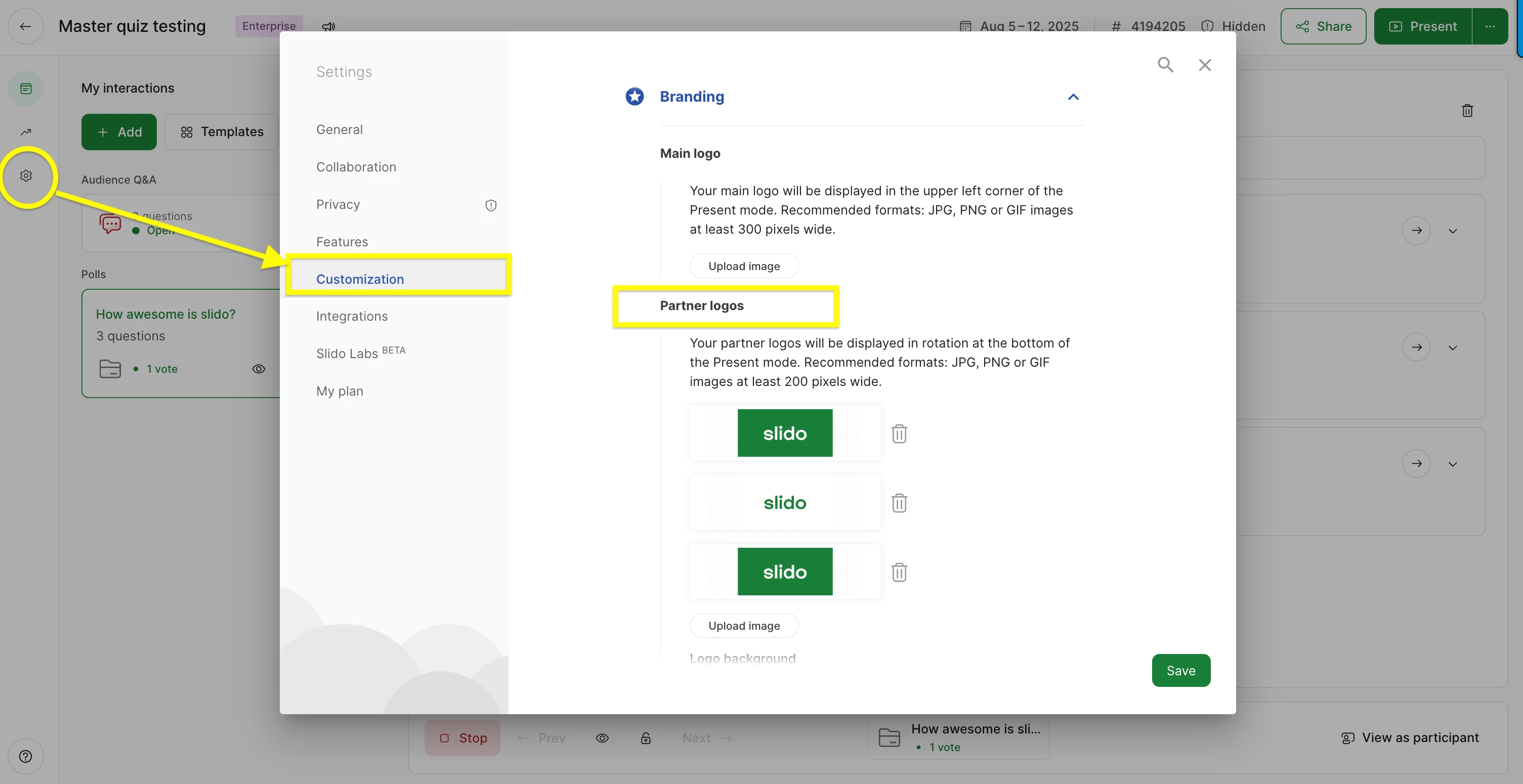
I really like what you did there! I’m afraid the card size can’t be adjusted. However, we do have a workaround and a feature where you can showcase sponsor logos like the below. When you add multiple png or jpeg images it will rotate automatically. I’ve added the part where you can enable that.

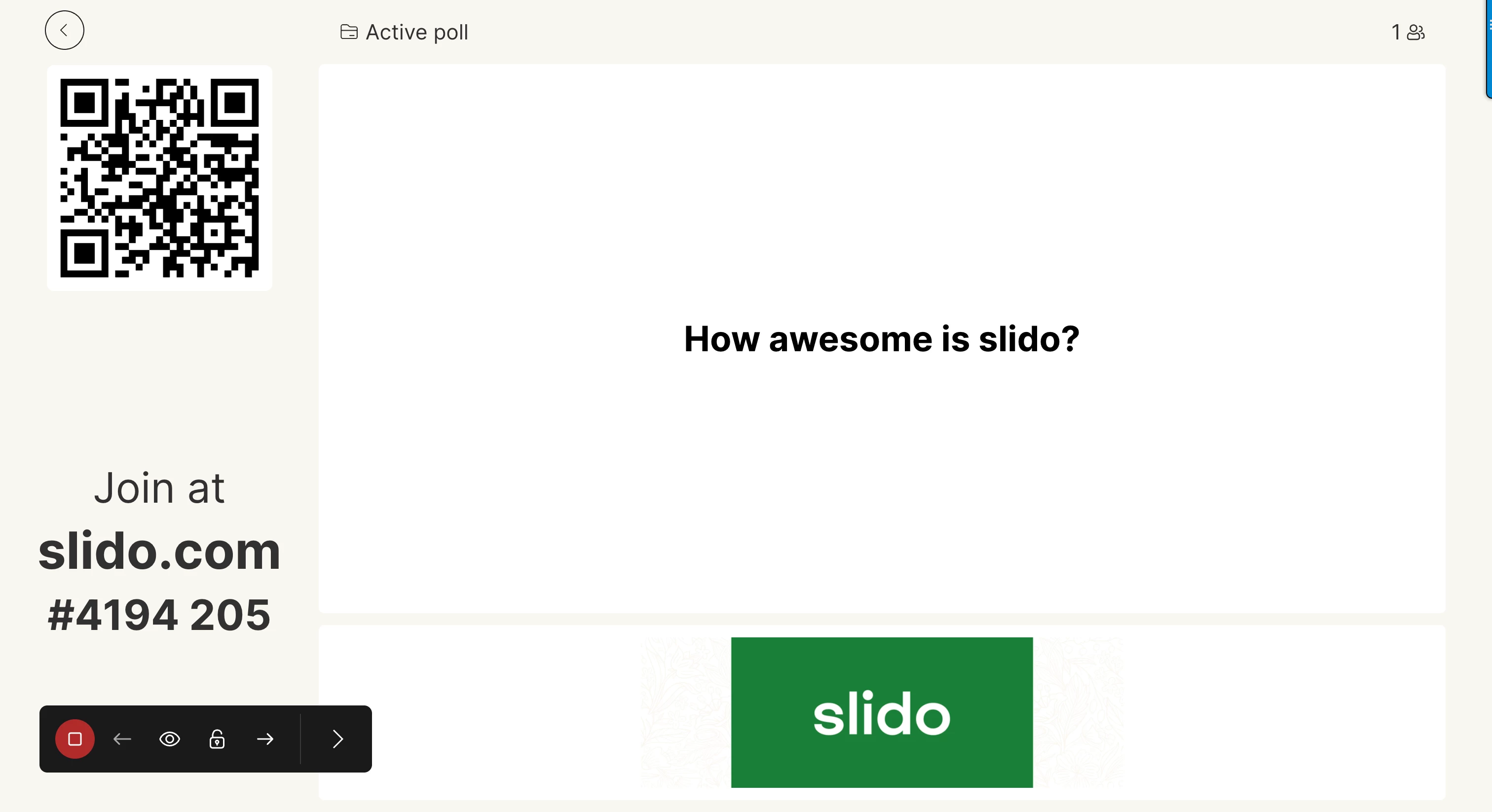
And will show like this when you present with Slido. 

The other workaround would be to create a GIF with your logo, and the bottom left hand side logo together and add that as a Main Logo GIF instead. You can see my video here as an example. I hope these workarounds work for you. 💚

My best,