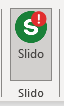
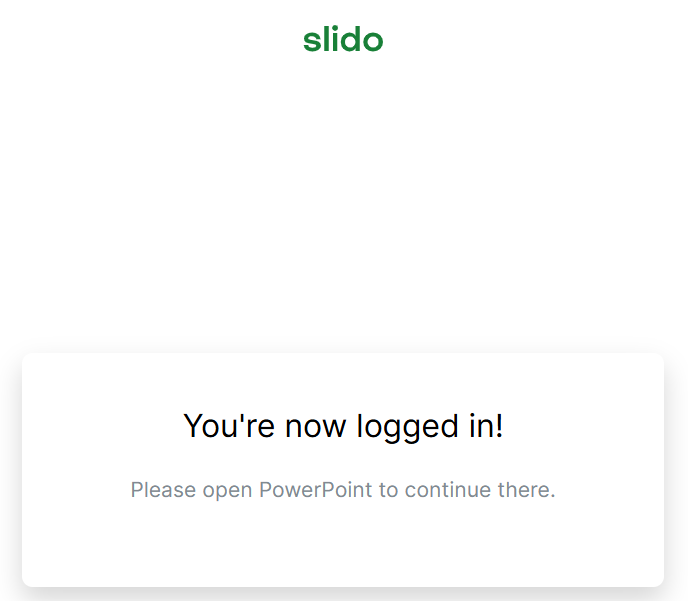
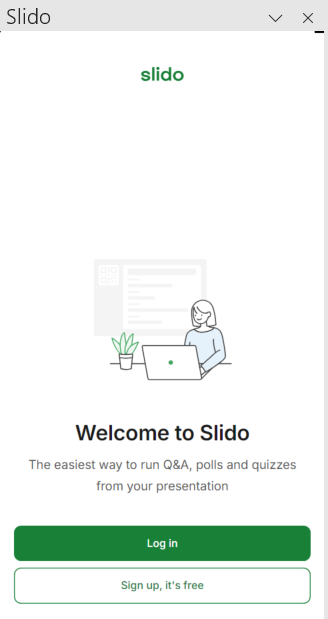
I have sucessfully downloaded Slido in my Windows. However, it appears as a red exclmation mark on the icon. When I try to login, it opens my browser asking me to login. When I click on my account and login in browser, the window in PowerPoint returns to ask me to sign in.
Windows and Microsoft 365 are up-to-date. Tried different browser and restart the app & desktop.
Thank you very much if anyone can help.
Best answer by Julia from Slido
Hi @Jazzzzzzz, I'm so sorry you're having trouble.
This can sometimes happen if your network or browser blocks the connection to PowerPoint. Try setting a different browser as your default and log in again from PowerPoint.
If that doesn’t help, this is most commonly caused by a Proxy issue. You can share these instructions with your IT team if they’re able to look into it.
If you still experience issues after you/your team makes these changes, please see the instructions here for connecting with our expert technical teams.
Hi @Jazzzzzzz, I'm so sorry you're having trouble.
This can sometimes happen if your network or browser blocks the connection to PowerPoint. Try setting a different browser as your default and log in again from PowerPoint.
If that doesn’t help, this is most commonly caused by a Proxy issue. You can share these instructions with your IT team if they’re able to look into it.
If you still experience issues after you/your team makes these changes, please see the instructions here for connecting with our expert technical teams.