

Question

Problems downloading into powerpoint

  • June 23, 2026
  • 4 comments
  • 23 views

Hi, I have created a slido to use in powerpoint in training, also downloaded the slido for powerpoint part.  When using a sharepoint versoin of my powerpoint the slido pages are there, but when I download a copy to use off line some of the pages disappear - why is this?
 

4 replies

Michal from Slido
Forum|alt.badge.img

Hello ​@Claira,

The Slido add in on PowerPoint only works on the desktop version, and it only works online.

Normally you’re used to editing slides in PowerPoint, or copy pasting them. With Slido slides, they’re really just placeholder slides and our app loads over them live when you present your presentation. They can't be edited or copy pasted. An internet connection is also necessary.

I recommend using your presentation file outside of sharepoint, on desktop powerpoint, adding the slido slides in via the integration instead of copy-pasting them, and presenting online.


  • Author
  • Participant
  • June 24, 2026

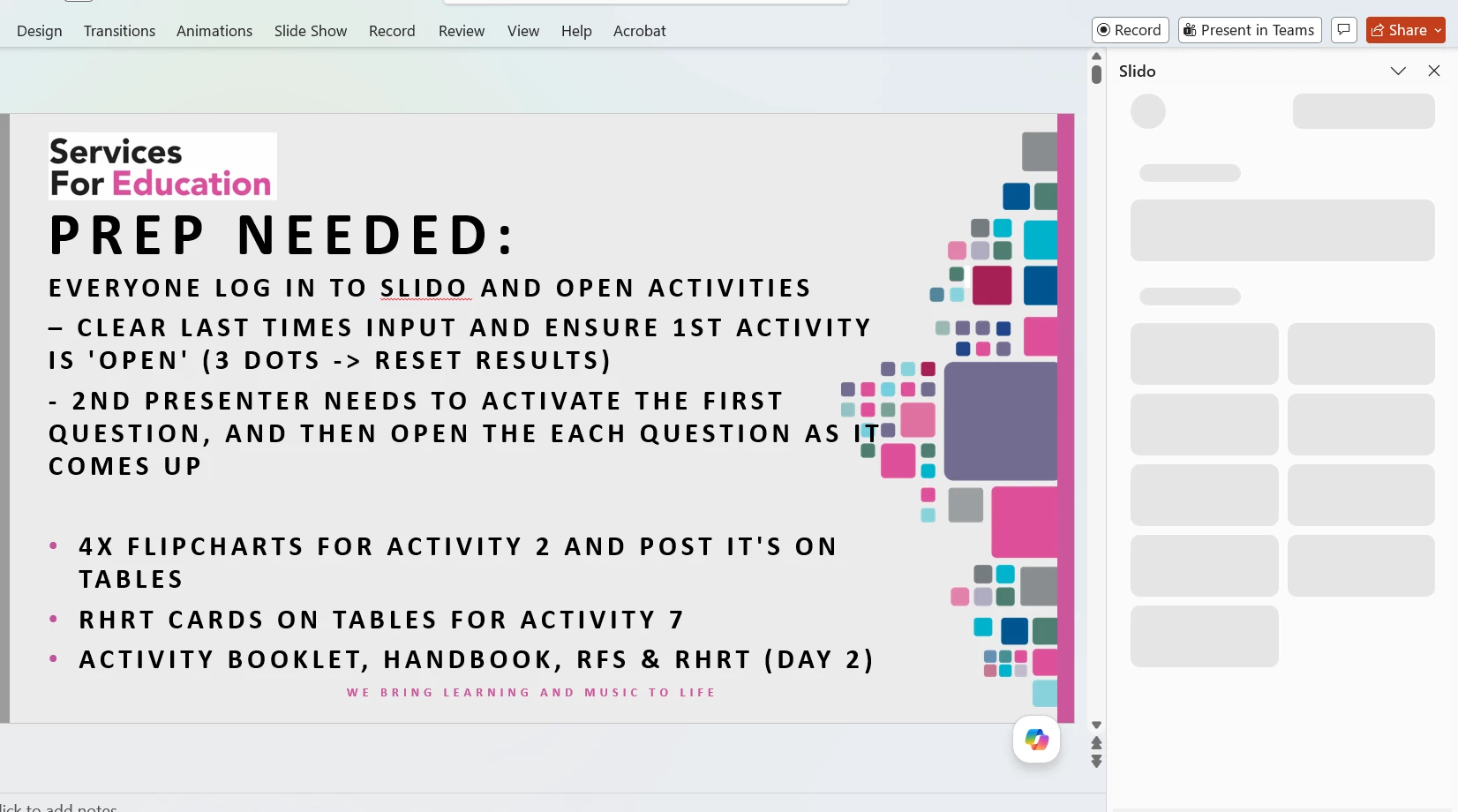
Thankyou. SO, I have donwloaded my presentation onto my laptop and opened it, logged into slido on my laptop and did an update yesterday to ensure latest version installed.  Yet slido panel to the right of powerpoint will niot open - any ideas why? - see snip below


Michal from Slido
Forum|alt.badge.img

Hello ​@Claira,

Does the issue happen when you create a new presentation too? If so, I’d recomend reinstalling Slido for PowerPoint. If that does not help, try sending your log files to our technical team.

Here is how to get your log files: 

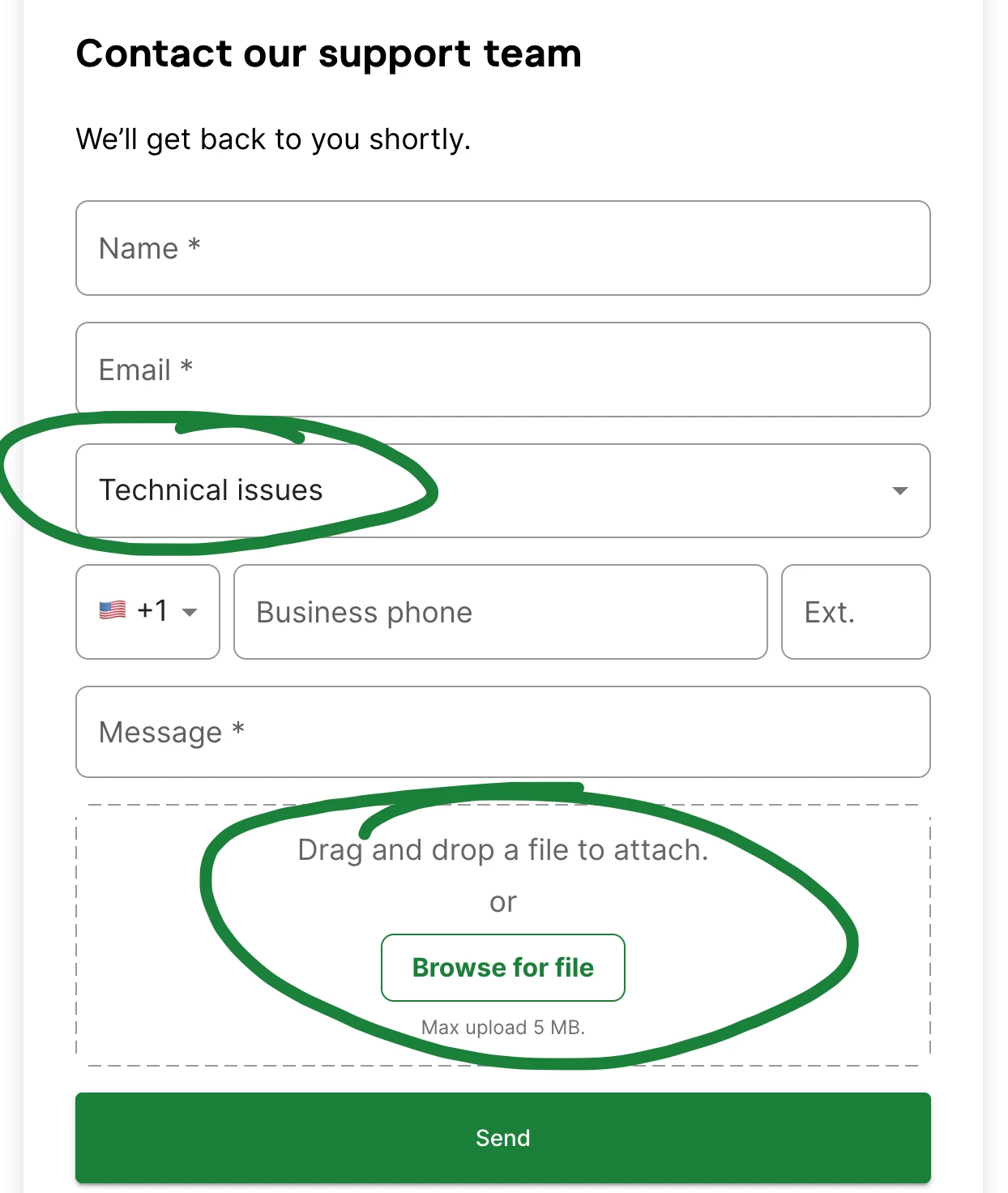
You can contact our technical team here: https://www.slido.com/contact
Make sure to select the Technical issues category, and attach the log files.


  • Author
  • Participant
  • June 26, 2026

Thanks - I uninstalled and reinstalled and it seems to have fixed it :)