
Does anyone know what this message means in slido terms? Was doing a normal presentation with some slido plugins on a local powerpoint presentation and this essentially entire page showed up.
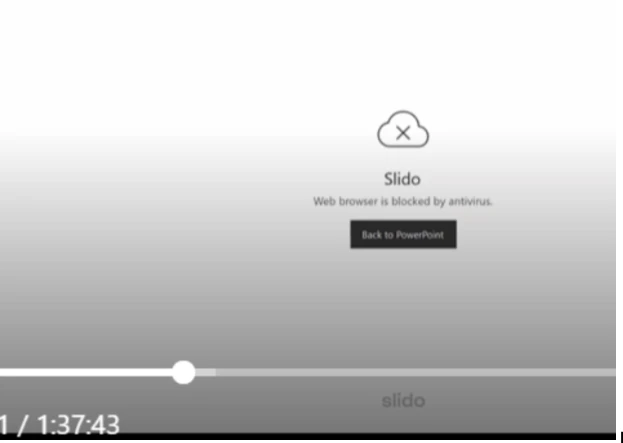

Does anyone know what this message means in slido terms? Was doing a normal presentation with some slido plugins on a local powerpoint presentation and this essentially entire page showed up.
Best answer by Adrian from Slido
Hi
Thanks for reaching out! Even when integrated into a presentation, Slido still need to make a connection to the internet to activate your interactions and present results.
This is likely due to a network security setting that may have blocked traffic to/from Slido.
If the issue persists, please reach out directly to our support team via support@slido.com and we can dive deeper into this issue.
All the best,
Enter your E-mail address. We'll send you an e-mail with instructions to reset your password.

