



Participants can always upvote questions in your Q&A session. But if you like, you can also enable downvotes. Questions are then ordered by popularity, based on their cumulative upvote/downvote score.
How to enable downvotes
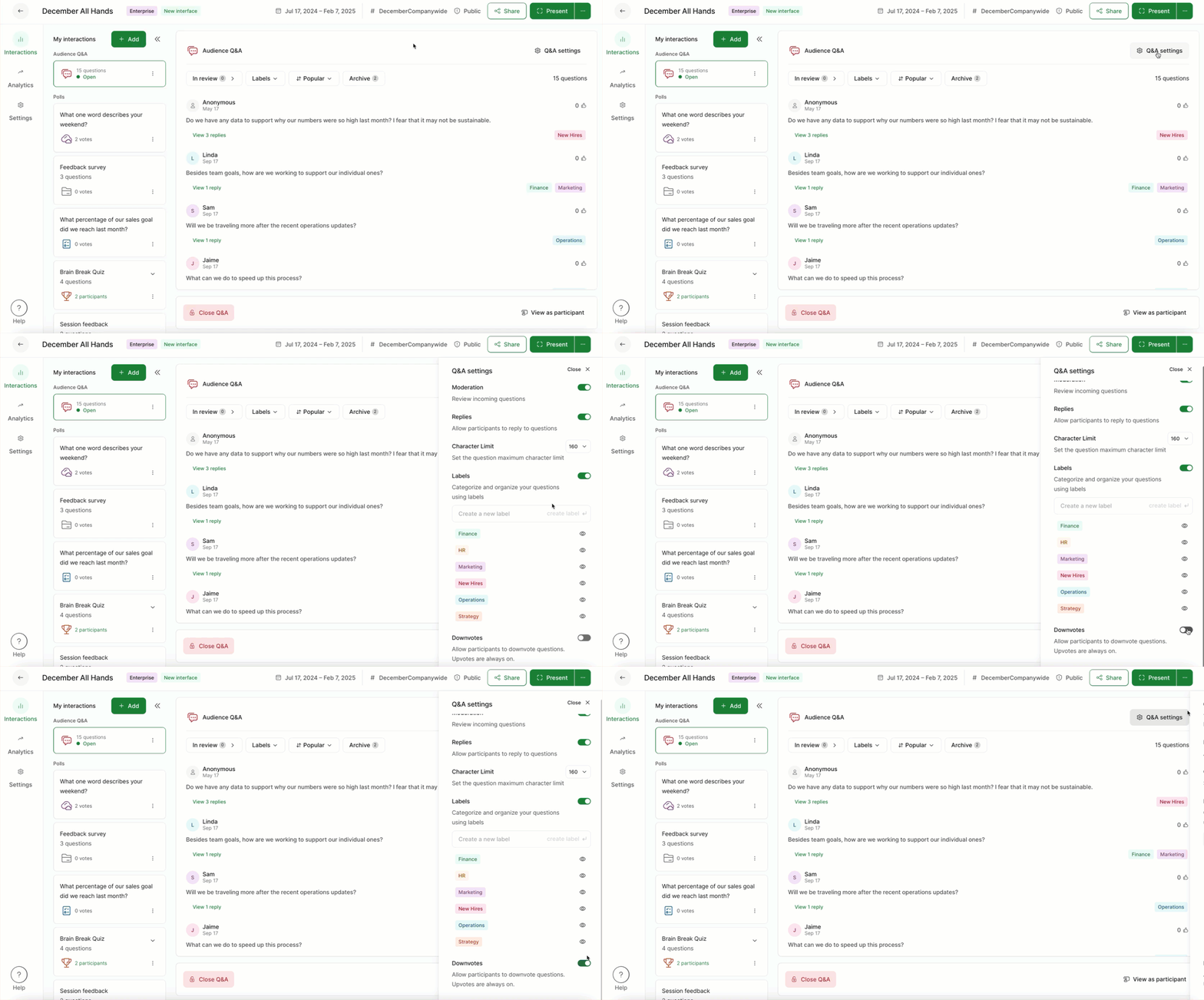
Open up the Q&A settings – then toggle on Downvotes at the bottom of the menu.
Attendees will only see the cumulative score next to each question (upvotes minus downvotes).
To show upvote and downvote counts separately in the Participant mode, go to Settings, then Slido Labs and enable the option Separate score for Q&A downvotes.
Curious about more?