Hi,
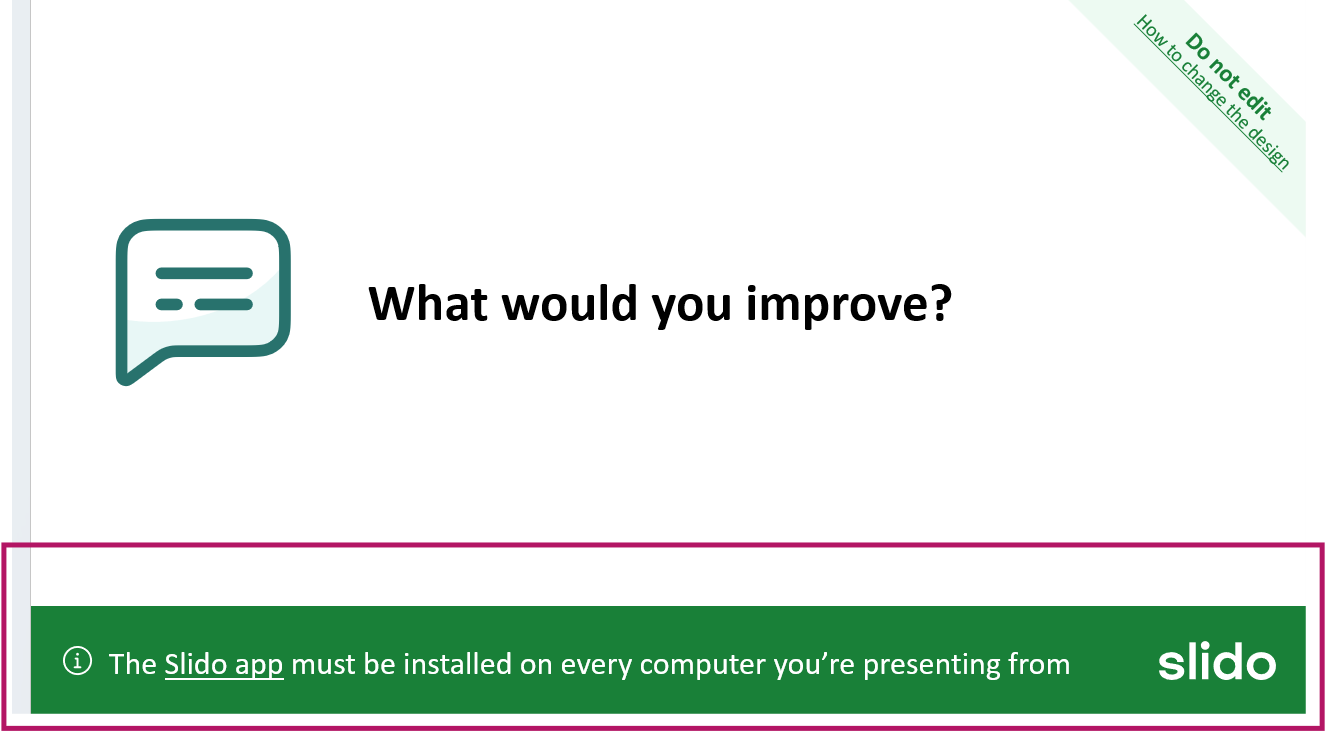
I recently installed Windows 11 on my computer, and since then, I get this message bellow when I open Slido in Power Point. It’s on every slide . Can you pls help me with a solution, what needs to be installed and how? Thank you

Hi,
I recently installed Windows 11 on my computer, and since then, I get this message bellow when I open Slido in Power Point. It’s on every slide . Can you pls help me with a solution, what needs to be installed and how? Thank you
Best answer by Kat from Slido
Hello
This is just a reminder message that will always display on every Slido slide when editing your presentation. It notifies users that the Slido application must be installed on every computer that might be used to present this slide deck. For example, if someone was collaborating on this presentation. If the other person was going to be presenting, they’d need to make sure they have the Slido app installed to their computer, too.
But for you, there’s nothing else for you to install at this point. Once you start presenting your slido, these sorts of banners will not display and your poll will display as intended.
Hope this helps!
Best,
Enter your E-mail address. We'll send you an e-mail with instructions to reset your password.