The Slido blog is available again
Get some inspiration from your fellow Slido users on anything from use cases to how they run their meetings!
Recently active
What do we mean when we talk about inclusive meetings? The term itself doesn’t describe any new phenomenon; rather, meetings as they should be. Inclusive meetings are meetings where each employee has a voice and feels empowered to actively contribute.Running inclusive meetings means you open the door to a diversity of thought and enable all your team members to bring the best ideas to the table – regardless of their personality, role, or work setup.Pick up a few of these handy practices, adopt them throughout your meetings, and start hosting more inclusive meetings for all. Preparation phaseDon’t underestimate the prep phase. It’ll set the tone for your upcoming meeting (and beyond). Here are a few tips on how to be inclusive of all your teammates before your meeting even starts. 1. Invite everyone who might benefit from the meetingAs much as 67% of employees say that spending too much time in meetings distracts them from being productive at work, as this study found. On the other hand
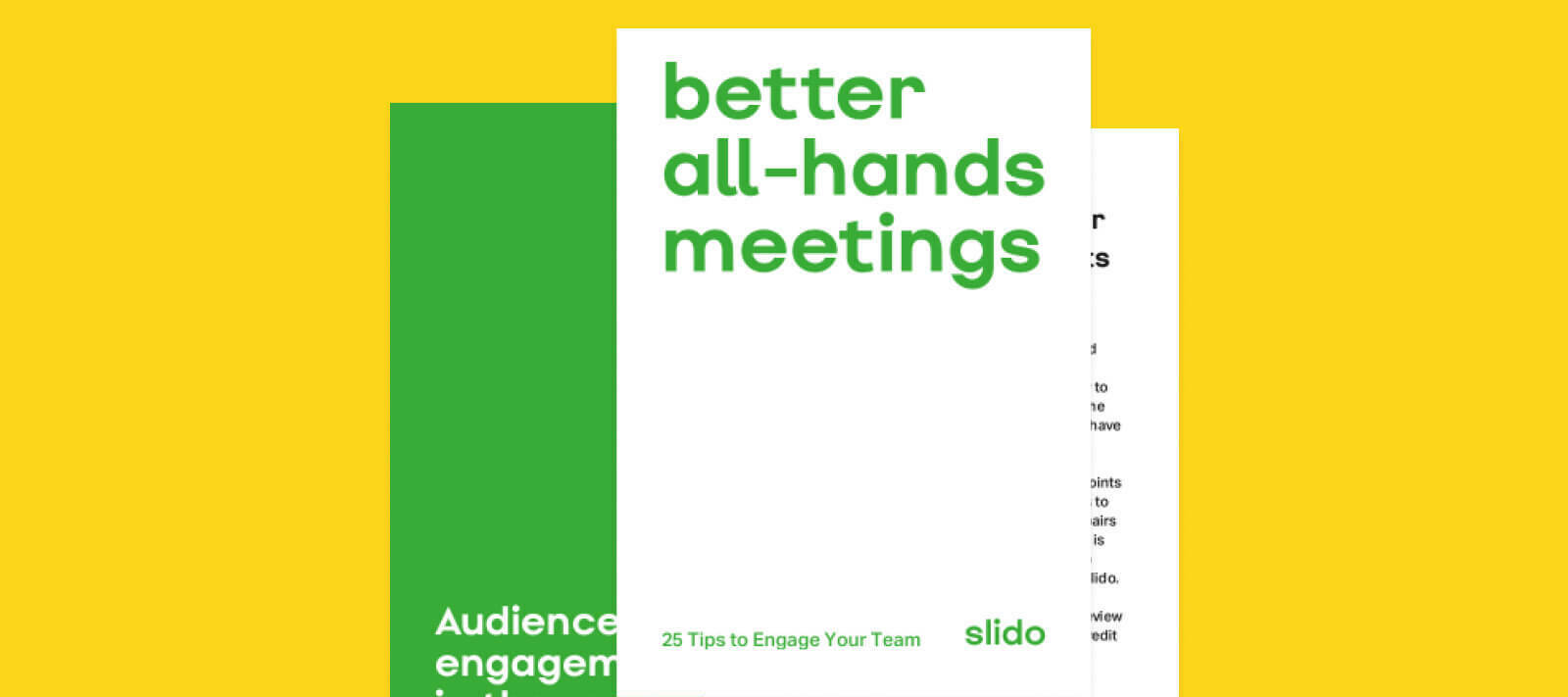
Giving your team a voice is one of the main reasons why a regular all-hands meeting should be run. Still, for many employees, it is just another meeting to sit through. So, how do you organize an all-hands meeting that your team members will actually look forward to?We have put together for you this easily digestible, easy-to-read guide, that collects 25 actionable tips on how to organize more engaging all-hands meetings in your company. 👉 Download the guide as a PDF here They’re all tried and tested, either by us or by leaders in the industry. Here are the topics you will find in the guide:1. Boosting engagement in the roomAn all-hands meeting is a space where your employees have the chance to express themselves and have a direct, face-to-face conversation with their leaders. For this to happen, it has to provide them with enough opportunities for engagement and personal interaction.The first chapter of this guidebook contains a handful of simple tricks on how to engage and energize
Discover how Slido can help you with some common challenges connected to all-hands meetings, sometimes known as town halls - whether it is sharing business updates in an engaging way, being able to read the room and running an inclusive Q&A. This ultimate guide contains our favorite best practices, facilitation tips and a lot of useful information on the technical setup, so that you are set up for success.Here's the PDF manual mentioned in the video.We also have a great template to get you set up for a great all-hands presentation attached below:
If you want to boost engagement and make your meetings more interactive and fun, polls are priceless. Slido has teamed with Pexels - the source of free images, to bring creativity and stunning visuals to your live polls.You can now choose from hundreds of thousands freely-usable pictures and add any image to your poll What is Pexels?Pexels provides high quality and completely free photos licensed under the Pexels license. Thousands of royalty-free images are included in this collection by photographers and artists from all over the world. Here are 7 examples of how you can use Pexels images in Slido 1. Icebreaker: How are you feeling today?If you’re running a meeting with a larger number of attendees (10+), asking ‘How are you folks?’ at the start might result in two or three people muttering “fine, thanks” and that’s it.There’s a better and more interactive way. Run a word cloud, asking your participants: “Using an emoji, how are you feeling today?” You can attach this or this Pexels
Hey Community,How do you deal with silence when you’re facilitating meetings? Do you talk over it, ask others to speak, or just pray for it to be over? 👀We’ve found that people often ask us to add music to polls because of this exact reason. It’s totally understandable - facilitating meetings is daunting enough on its own, let alone if you are running a hybrid meeting where silence is common. 📌 But fear not, Slido community! Using our recently released typing indicator, participant names in open text polls and open text topics, you can tackle silence head-on and become an even better facilitator. To find out how to set up and use these features, take a look at our quick tutorial: 📚 For more tips on facilitation and to find out why we will not be adding music to polls, head over to our blog. How do you feel about facilitating meetings? Have you used any of these features yet? Let us know your thoughts below! 🤗
Hey Community, Another month has passed which can only mean that it’s time for a new discussion of the month 🤗 Close your eyes and try to remember the last time you had a productive team discussion. It’s not easy, right? Yet productive discussions are key to great meetings. That is why we’re focusing on driving productive discussions, this month. Here are some quick tips: 📌 Get people talking from the beginning by running an icebreaker word cloud. Ask about a hot topic in the company. You can always moderate the responses. 📌 Before jumping into the discussion, ask people to write down their opinions in an open text poll. If you don’t want participants to influence each other, hide the poll results. 📌 To move the discussion forward, run a quick ranking poll and ask participants which options they would like to focus on. To understand how we calculate scores in ranking polls, check out our quick explainer. Head over to our blog to read more about using polls to drive productive disc
Hey Community, As we near the end of February, it’s time for our favorite activity - discussion of the month 🎉 Moving into 2022, the world is becoming more hybrid and remote-friendly, much to the joy of those of us who love working in sweatpants. But how can we communicate effectively without a physical shared space? 👉 The answer could be asynchronous communication and that is our topic of the month. Asynchronous communication happens when you exchange information at different times. Head over to our blog to read about the benefits of asynchronous communication and for 7 tips on embracing it. Some ways you can kick-start your asynchronous communication is by collecting input from your coworkers over long periods of time. 📌 This can include running asynchronous feedback rounds on your projects. Check out our tutorial for running and sharing surveys. 📌 You can also try collecting questions from your team before meetings. Did you know participants can submit questions to the Q&
Hi everyone,November is almost over, so it’s time to introduce a new discussion of the month! Thank you so much for your contribution last month - loved reading all your favorite All-hands meeting moments. If you’d still like to share your best tips for running All-hands meetings, feel free to add them to this discussion! Can’t believe that 2021 is almost over and it’s the time of the year for celebrating the wins and looking back at what the year has brought us! This month’s topic is all about running engaging End-of-year meetings We’ve published a great article with 7 great tips on how to make these meetings feel more special. May it be looking back at the business numbers or less serious Holiday parties - we’ve got you covered! If you’re looking for more engagement at your business meetings, we’d recommend trying to review your key metrics through a quiz, collecting your teams’ highlights with an open poll and celebrating your teams through a silent hero Word cloud poll. Slido is
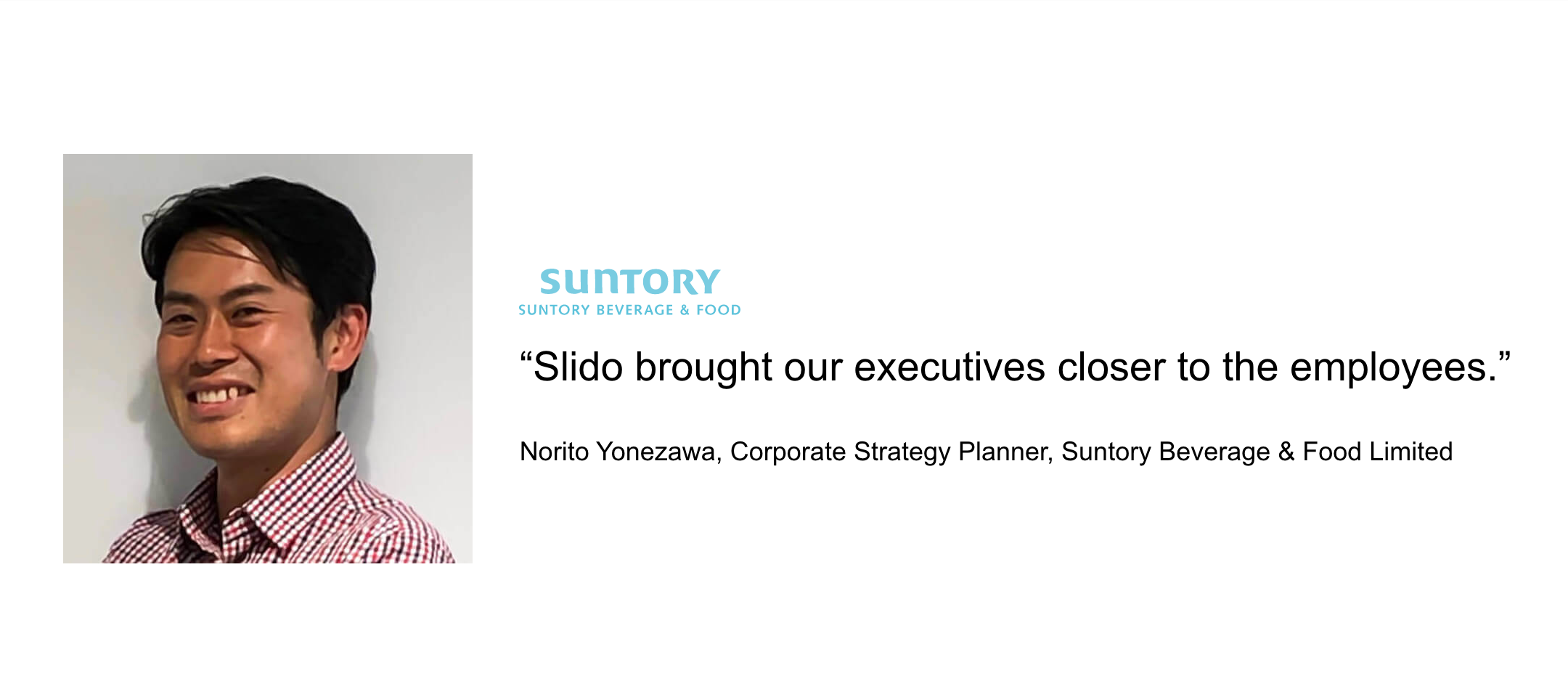
Some time ago, we talked to Norito Yonezawa, Corporate Strategy Planner at Suntory Beverage & Food Limited, a global leader in producing soft drinks and food products based in Japan and one of our most engaged customers. ✨ We’d like to highlight Suntory’s story of how Slido helped them transform their company culture and gave voice to their more silent employees. Like any multinational corporation, it’s vital for Suntory to keep its teams aligned. To connect its 24,000 employees with the executive team, it runs quarterly townhall meetings.Traditionally, in Japanese business culture, people tend to avoid asking questions or participating actively in meetings. Suntory wanted to change that. Its goal was to create a safe space for its employees to open up and start a live discussion during their townhalls. “With Slido, we can see more honest questions that the executives answer from the top of their heads. Hearing what people really think makes the conversation feel more authentic.
Howdy. I’m using Slido and loving it. The audience seems to like it too. Tomorrow I’m doing a 90 minute presentation, and I’m using polls/surveys to break up my talking. This serves two purposes: 1. Gives a chance for people to engage; 2. Gives me a second to take a sip of water and mentally get ready for the next section. I’m wondering, in all the experience of members here, what have you found to be the _ideal_ time to give people a chance to answer the poll. I dont think (but am easily corrected) that really the number of people in the session–be it 4 or 56–has much to do with the timing; everyone can read and answer at roughly the same time.So what is the ideal time to allow as many people to answer the poll as we can get while also keeping the momentum of the talk going? I ask because it seems, using Google Slides, the poll on the screen is the only active one, and you can only have one at a time (unless in a survey), so if you move onto the next slide, people lose their chance t
Already have an account? Login
Enter your E-mail address. We'll send you an e-mail with instructions to reset your password.